Can a Mini PC Do Everything a Laptop Can?
On this page (5 sections)
Yes, a Mini PC can do almost everything a laptop can, and often for a lower price. While laptops offer portability, Mini PCs provide similar computing power for everyday tasks like browsing the web, managing email, word processing, and even some light gaming or video editing. Think of it as a desktop computer packed into a tiny box.
You might be wondering if these small but mighty machines are truly a replacement for your trusty laptop. We’ve found that for many users, a Mini PC is an excellent choice, especially if you don’t need to move your computer around. They offer a cost-effective and space-saving solution with benefits over laptops for stationary use.
- Mini PCs can handle most laptop tasks.
- They are often cheaper and smaller than laptops.
- Portability is the main advantage of laptops.
- Consider your needs: stationary vs. mobile computing.
Let’s dive into what makes a Mini PC tick and how it stacks up against a laptop for your daily computing needs.
What Can a Mini PC Actually Do for You?
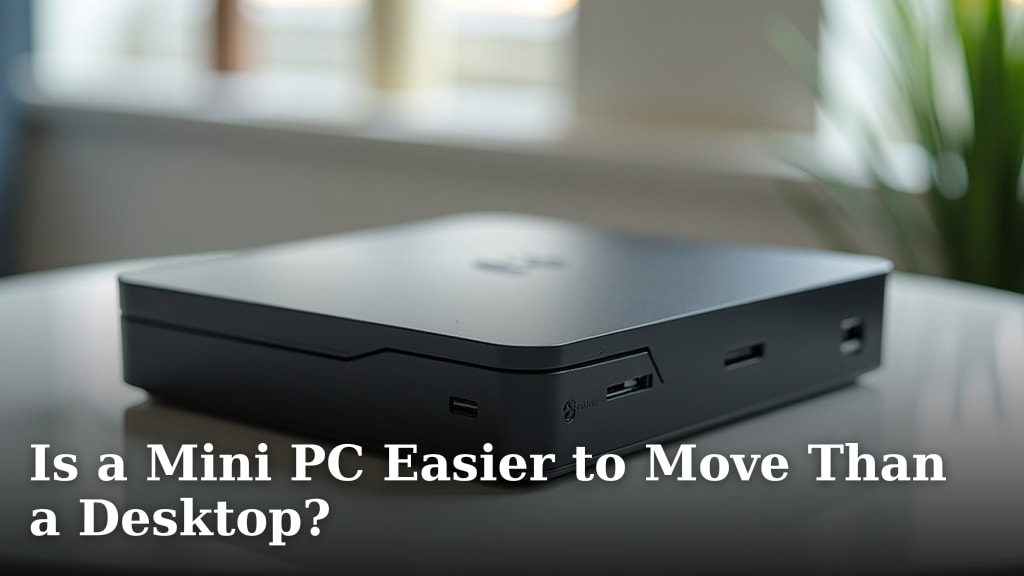
Think of a Mini PC as a desktop computer that’s shrunk down to the size of a large book. It’s designed to sit on your desk and connect to a monitor, keyboard, and mouse. Many people wonder if this compact powerhouse can really keep up with the demands of their daily digital life, which often involves tasks previously done on laptops. Let’s dive into what makes a Mini PC tick and how it stacks up against a laptop.
We’ve found that for many common computer uses, a Mini PC performs remarkably well. They are essentially full-fledged computers, just in a smaller package. This means they can handle a wide range of tasks that you might typically associate with a laptop.
Comparing Mini PCs and Laptops Head-to-Head
Performance: Where Do They Stand?
When it comes to raw computing power, the comparison isn’t always simple. Mini PCs and laptops can be configured with very similar internal components. You can find Mini PCs with powerful processors, ample RAM, and fast storage, just like a high-end laptop.
For everyday tasks like browsing the internet, checking emails, streaming videos, and working on documents, most Mini PCs offer more than enough power. We’ve seen many models perform these tasks with ease, often feeling snappier than older laptops.
However, if your work involves heavy-duty tasks like professional video editing, complex 3D rendering, or running very demanding simulations, you’ll need to pay close attention to the specifications of the Mini PC. High-performance laptops can sometimes offer more robust cooling systems, allowing for sustained peak performance that a smaller Mini PC might struggle to match without throttling.
Storage and Connectivity: What Do You Get?
Mini PCs generally offer good storage options, usually supporting one or two internal drives (SSD or HDD) and often having external ports for more. You can easily expand storage if needed.
Laptops, by design, have their storage built-in. While some larger laptops might accommodate a second drive, it’s less common, and upgrades can be more involved. For most users, the storage capacity of a Mini PC is perfectly adequate.
When it comes to connectivity, both have their strengths. Mini PCs typically boast a generous number of USB ports, HDMI or DisplayPort outputs for monitors, and Ethernet for wired internet. Laptops also have these, but often fewer ports, especially on thinner models. This might mean you need a separate USB hub for a laptop, whereas a Mini PC might have everything you need built-in.
The Big Difference: Portability vs. Price and Space
The most obvious distinction is portability. Laptops are built to be carried around. Their integrated screen, keyboard, and battery mean you can work from a coffee shop, a park, or a plane.
Mini PCs, on the other hand, are designed for stationary use. They require external peripherals like a monitor, keyboard, and mouse. This makes them less portable, but this is where they often shine in other areas.
Because they don’t need to integrate a screen or battery, Mini PCs can often be purchased for less money than a laptop with similar internal specifications. Furthermore, their tiny footprint means they take up very little desk space, which is a huge advantage if you’re working in a small home office or dorm room.
What About Gaming and Entertainment?
Can a Mini PC handle gaming? Yes, but it depends on the game and the Mini PC’s specs. For casual gaming, indie titles, or older games, many Mini PCs are perfectly capable. Integrated graphics have improved significantly, and some models come with dedicated graphics cards that can handle more demanding games.
However, if you’re a serious gamer who needs to play the latest AAA titles at high settings, a high-end gaming laptop or a dedicated desktop gaming PC will still be your best bet. Mini PCs generally have limitations in terms of cooling for sustained, high-performance graphics output.
For entertainment, like streaming movies and music, a Mini PC is excellent. It can easily connect to your TV or monitor, acting as a media center. They are quiet, energy-efficient, and can handle high-definition video playback without a hitch.
Can a Mini PC Be Your Primary Computer?
For Home Office and General Use
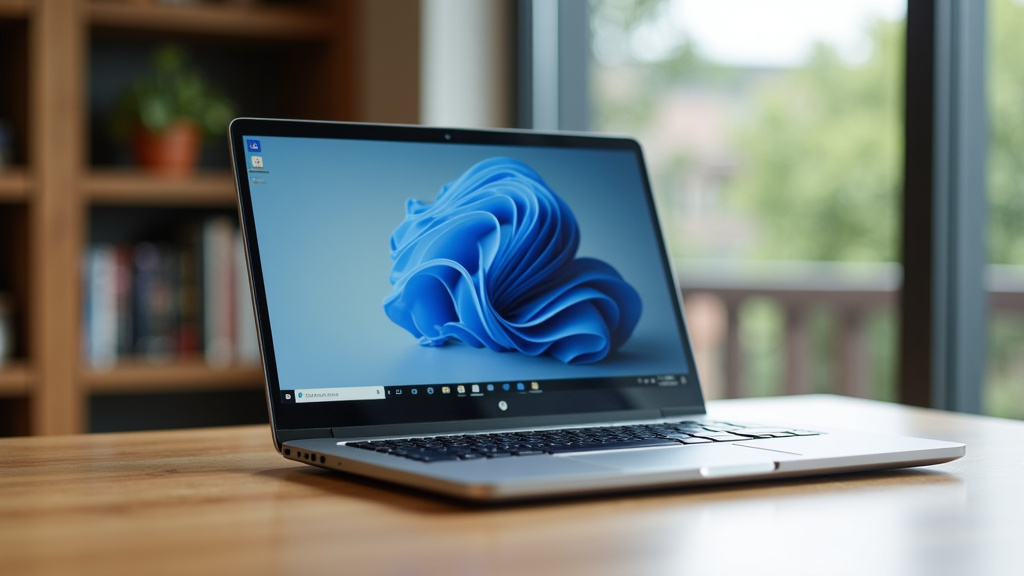
For a vast majority of users whose primary computer needs involve web browsing, email, word processing, spreadsheets, online shopping, and social media, a Mini PC is an outstanding choice. They offer a complete desktop experience without the bulk of a traditional tower.
We’ve found that setting up a Mini PC is straightforward. You connect your existing peripherals, power it on, and you’re ready to go. It provides a cleaner desk setup and is often quieter than a laptop fan running at full speed.
Creative Tasks: Is it Possible?
Light photo editing or graphic design work is certainly within the reach of many Mini PCs, especially those with decent processors and SSD storage. Software like Adobe Photoshop or GIMP can run well for basic to intermediate tasks.
However, for more intensive creative workflows, such as editing large video files, complex 3D modeling, or professional audio production, you will need to look at Mini PCs with powerful specifications. These often come at a higher price point and may still be outmatched by specialized workstations or high-performance laptops.
Many experts suggest that if your creative work is your livelihood and requires maximum performance and stability, a traditional desktop or a powerful laptop is often a safer investment. For hobbyists, a well-specced Mini PC can be a fantastic and affordable option.
Are There Any Limitations You Should Know?
The primary limitation, as we’ve touched on, is portability. If you need to take your computer to different locations regularly, a Mini PC isn’t suitable. You’d still need a laptop for that freedom.
Another consideration is upgradability. While you can often upgrade RAM and storage in a Mini PC, it’s usually more limited than in a desktop tower. Laptop upgrades are typically even more restricted. If you plan to upgrade components frequently, neither a Mini PC nor a laptop might be ideal.
Finally, thermal management can be a factor for sustained heavy loads. Because of their small size, Mini PCs might throttle performance to prevent overheating during prolonged, intensive tasks. This is less of an issue for everyday computing but can affect heavy gaming or rendering.
What to Look For in a Mini PC for Laptop-Like Performance
To ensure your Mini PC can handle what you need, here’s a quick checklist:
- Processor (CPU): Look for Intel Core i5 or i7 (or AMD Ryzen 5/7) from recent generations for good all-around performance.
- RAM: 8GB is the minimum for smooth multitasking; 16GB is better for more demanding tasks or many open browser tabs.
- Storage: An SSD (Solid State Drive) is essential for speed. Aim for at least 256GB, but 512GB or more is recommended if you store a lot of files.
- Graphics: For basic tasks and light gaming, integrated graphics are often fine. For anything more, check for dedicated graphics cards if available.
- Ports: Ensure it has enough USB ports for your peripherals and the right video outputs (HDMI, DisplayPort) for your monitor(s).
| Feature | Mini PC | Laptop |
|---|---|---|
| Portability | Low (Requires external monitor/keyboard) | High (All-in-one unit with battery) |
| Price (for similar specs) | Often Lower | Often Higher |
| Desk Space | Very Small Footprint | Medium Footprint (with screen folded) |
| Setup | Requires peripherals (monitor, keyboard, mouse) | Ready to use out-of-the-box |
| Typical Use Case | Stationary desktop computing, home theater | Mobile computing, travel, flexible work |
| Upgradability | Moderate (RAM, storage) | Limited (RAM, storage often difficult) |
Conclusion
So, can a Mini PC handle what your laptop does? For most everyday users, the answer is a resounding yes. You get similar performance for common tasks without the high cost or bulk of a laptop. Think of it as getting a powerful desktop in a tiny package. Your main decision comes down to needing portability. If your computer stays in one spot, a Mini PC is a smart, space-saving choice. If you’re ready to upgrade your stationary setup, consider which Mini PC specs best fit your daily routine.
Frequently Asked Questions
Can a Mini PC replace my laptop if I work from coffee shops?
No, a Mini PC is not suitable for mobile work. Its main advantage is a small footprint for stationary use. Laptops are designed for portability with built-in screens and batteries, making them the better choice for working outside your home or office.
Are Mini PCs powerful enough for video editing?
For light video editing, some Mini PCs with strong processors and ample RAM can manage. However, for professional or intensive video editing, you’ll likely need a more powerful desktop or a high-end laptop with superior cooling and graphics capabilities.
How does a Mini PC compare to a laptop in terms of price for similar performance?
Generally, a Mini PC will offer more computing power for your money compared to a laptop with the same specifications. This is because Mini PCs don’t have the added costs of an integrated screen, keyboard, and battery.
Can I connect multiple monitors to a Mini PC like I can with some laptops?
Yes, most Mini PCs are designed with multiple video outputs, such as HDMI and DisplayPort. This makes them excellent for multi-monitor setups, often providing more connection options than many thinner laptops.
What are the biggest advantages of choosing a Mini PC over a laptop?
The primary advantages are a significantly smaller footprint on your desk and often a lower price point for comparable performance. They also tend to be very energy-efficient and quiet, making them ideal for home offices and media centers.