Mini PC vs Desktop for Home Office: The Key Differences
On this page (3 sections)
Choosing between a mini PC vs desktop for your home office depends on your priorities: space and power. Mini PCs offer a tiny footprint and adequate performance for everyday tasks, while desktops generally provide more processing power and upgrade options for demanding workloads. Think of it like a sports car versus a versatile SUV.
Many shoppers wonder if a mini PC can truly replace a traditional desktop. Research shows that for common home office duties like email, browsing, and document editing, a mini PC is often a perfectly capable choice. However, if you’re editing videos or running complex simulations, a desktop’s expandability might be more important for your workflow. It’s all about matching your needs to the machine.
- Mini PCs save a lot of desk space.
- Desktops usually offer more power and customization.
- Consider your typical daily computer tasks.
- Heavy users might lean towards a desktop for future upgrades.
Let’s walk through the key differences to help you make the best choice for your home office setup.
Mini PC vs. Traditional Desktop for Your Home Office Needs
Deciding between a mini PC and a traditional desktop is a common home office dilemma. We’ve found that the best choice really boils down to how you plan to use your computer day-to-day. Think about your usual tasks. Do you spend most of your time writing emails and browsing the web? Or do you need a powerhouse for video editing and gaming?
Understanding the Core Differences: Size and Power
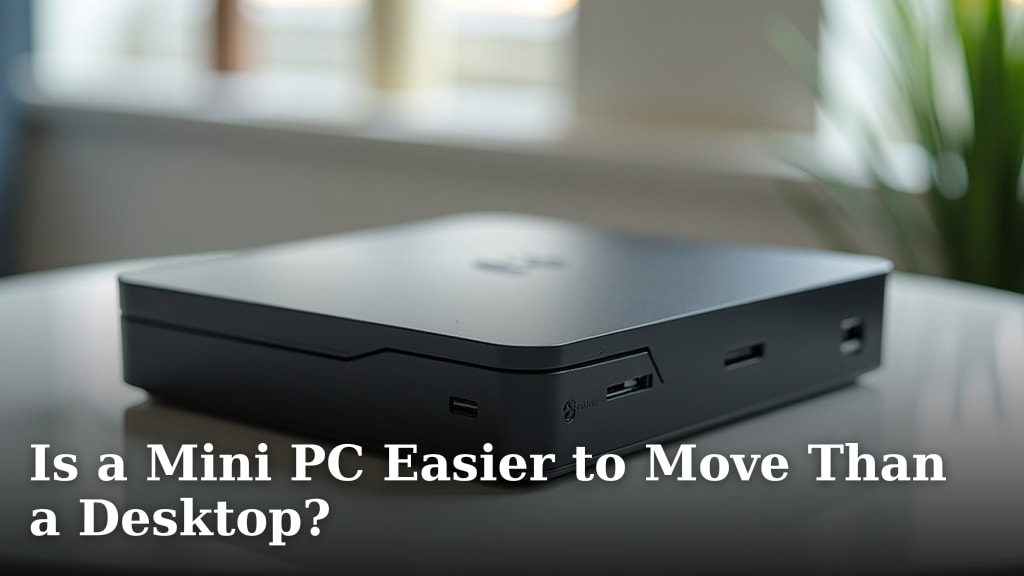
The most obvious difference is size. Mini PCs are incredibly small. They can fit behind your monitor or tuck away in a drawer. Desktops, on the other hand, are much larger. They typically sit on or under your desk. This size difference often impacts internal components and expandability.
The Mini PC Footprint: Big Power in a Small Package?
Mini PCs have gained popularity because they are so compact. You can easily set one up without cluttering your workspace. Many people find they offer more than enough power for common office tasks. This includes things like word processing, spreadsheets, and managing your inbox. We’ve seen many users be pleasantly surprised by their performance.
The Desktop’s Domain: More Room to Grow
Traditional desktops offer more physical space inside the case. This extra room allows for more powerful components and better cooling systems. It also means you can often add more storage drives, better graphics cards, or extra RAM. This makes desktops a great choice if you need a computer that can handle demanding applications or evolve over time.
Performance and Processing Power: What Do You Really Need?
When we talk about performance, we’re mostly talking about the processor (CPU) and graphics card (GPU). These components determine how quickly your computer can handle tasks. Mini PCs usually come with processors designed for efficiency and lower power consumption. This is great for saving energy, but it might limit performance for very intensive tasks.
Everyday Computing: Mini PCs Shine
For many home office jobs, a mini PC is more than capable. Tasks like web browsing, emailing, using office suites like Microsoft Office or Google Workspace, and streaming videos are handled well. Many mini PCs use processors that are comparable to laptop CPUs. They offer a good balance of speed and energy efficiency. Many users find their performance perfectly adequate for their daily work.
Demanding Workloads: Where Desktops Often Take the Lead
If your work involves tasks like video editing, graphic design, 3D rendering, or running complex scientific simulations, you’ll likely need more processing power. Desktops often have access to higher-end CPUs and dedicated graphics cards that are much more powerful than what you’ll find in most mini PCs. This extra horsepower can make a huge difference in how quickly you can complete these demanding jobs.
Expandability and Upgradability: Planning for the Future
One of the biggest distinctions between these two types of computers is how easy it is to upgrade or add components later. This is where the larger size of a desktop really pays off.
Mini PC Limitations: What You See is What You Get
Because mini PCs are so small, they have limited space for expansion. Often, the RAM and storage are fixed or can only be upgraded to a certain point. You typically can’t swap out the CPU or add a powerful, large graphics card. What you buy is often what you’re stuck with for the lifetime of the machine. This isn’t a problem if your needs don’t change, but it’s something to consider.
Desktop Advantages: Room to Grow and Change
Desktops are designed with upgrades in mind. You can usually add more RAM, swap out the CPU for a faster model, install a more powerful graphics card, or add extra hard drives for more storage. This makes a desktop a more future-proof investment if you anticipate your computing needs growing or changing. You can often extend the useful life of a desktop by upgrading key components.
Connectivity and Ports: Plugging In Your Peripherals
Having enough ports is essential for connecting your keyboard, mouse, monitor, external drives, and other devices. Mini PCs, due to their small size, sometimes have fewer ports than a full-sized desktop. However, many modern mini PCs are quite generous with their port selection.
Checking the Ports on a Mini PC
You’ll want to look at the specific mini PC model you’re considering. Some offer a good variety of USB ports, HDMI or DisplayPort for monitors, and Ethernet for wired internet. Others might have fewer USB ports, requiring you to use a USB hub. We always recommend checking the specifications to ensure it meets your needs.
Desktop Connectivity: Usually More Than Enough
Desktops generally have a wide array of ports. You’ll typically find plenty of USB ports of different types, multiple video outputs, Ethernet, and audio jacks. Many also have expansion slots for adding specialized cards, giving you even more connectivity options. This makes connecting all your accessories straightforward.
Cost and Value: Making Your Budget Work
The price of mini PCs and desktops can vary widely. However, we often find that for similar levels of raw processing power, a mini PC can sometimes be slightly more expensive due to the miniaturization technology involved. But you need to consider the total cost of ownership.
Mini PC Initial Investment vs. Long-Term Needs
A mini PC might have a slightly higher upfront cost for basic configurations. However, they consume less power, which can lead to small savings on your electricity bill over time. If your needs are simple and unlikely to change, a mini PC can be a cost-effective solution that saves space.
Desktop Value: Power and Potential for Less
You can often get more raw processing power for your money with a desktop. This is especially true if you build your own or buy a pre-built system that’s not focused on ultra-compact design. The ability to upgrade also means you might not need to buy a whole new computer as often, potentially saving money in the long run.
Noise and Heat: The Silent vs. The Hum
How much noise and heat does your computer produce? This can be a significant factor in a home office environment, especially if your setup is in a living area.
Mini PC Sound Levels: Often Very Quiet
Because they use less powerful components and have smaller fans, mini PCs are generally much quieter than traditional desktops. Many are designed to run almost silently, which is a big plus for concentration and a peaceful workspace. We’ve found that the lack of fan noise is a major selling point for many users.
Desktop Noise and Cooling: Variable Performance
Desktops, especially those with powerful processors and graphics cards, can generate more heat and therefore require larger, more powerful fans. This can lead to more audible fan noise. However, high-end desktops can also be very quiet, thanks to advanced cooling solutions, but these often come at a higher price.
A Quick Checklist for Your Decision
To help you decide, consider these points:
- Do you need to save desk space?
- Will you be doing demanding tasks like video editing or gaming?
- Do you plan to upgrade components in the future?
- How important is a quiet computer for your work?
- What is your budget for the computer and potential upgrades?
- How many devices will you need to connect?
Conclusion
Choosing between a mini PC and a desktop for your home office comes down to your specific needs. Mini PCs are fantastic for saving space and handling everyday tasks quietly. Desktops offer more power and the ability to upgrade, which is better for demanding work and future-proofing. We’ve found that thinking about your daily computer use and long-term plans is the clearest path. Before you buy, review our checklist and compare models to find the perfect fit for your workspace and workflow.
Frequently Asked Questions
Can a mini PC handle multiple monitors for my home office?
Many mini PCs can support multiple monitors, often through HDMI or DisplayPort connections. You’ll want to check the specific model’s specifications to confirm how many displays it supports and at what resolution. This is a key feature for multitasking at your desk.
Is a mini PC powerful enough for basic graphic design work?
For very light graphic design tasks, like editing simple social media graphics or resizing images, a decent mini PC might suffice. However, for more complex projects involving layers, large files, or professional software, a desktop with a dedicated graphics card will offer much better performance and a smoother experience.
How do I upgrade a mini PC if I need more storage?
Some mini PCs allow for internal storage upgrades, typically by replacing or adding an M.2 SSD or a 2.5-inch SATA drive. Others might have fixed storage. You can also always connect external hard drives or SSDs to expand your storage capacity easily.
What happens if my mini PC runs out of ports?
If a mini PC doesn’t have enough ports for all your accessories, a USB hub is an excellent solution. These devices plug into one USB port on your mini PC and provide several additional USB ports, allowing you to connect multiple peripherals like keyboards, mice, and external drives.
Which is better for long-term use, a mini PC or a desktop?
For long-term use and adaptability, a desktop generally has an advantage. Its design allows for easier upgrades to components like RAM, graphics cards, and processors. This means you can refresh a desktop to meet new demands without replacing the entire system, potentially extending its useful life.