Is the Intel N200 Processor Any Good?
The Intel N200 can suit everyday, light computing, such as web browsing, office work, and media playback. Whether it fits depends on the specific mini PC and the apps, workload, memory, and storage you need.
On this page (8 sections)
- What is the Intel N200 processor?
- Is an Intel N200 good for everyday tasks?
- What tasks can an Intel N200 mini PC handle?
- What should you check besides the processor?
- Does cooling affect an Intel N200 mini PC?
- Is an Intel N200 suitable for games or demanding apps?
- Which portable monitor fits an N200 mini PC setup?
- How do you decide if the Intel N200 is right for you?
The Intel N200 processor can be a good fit for everyday, light computing, including web browsing, document work, and media playback. It may not suit demanding workloads, so check the apps you plan to run and the full mini PC configuration before you buy.
The N200 is a processor model, not a complete computer. A mini PC’s memory, storage, cooling, ports, and operating system also shape what it can do.
What is the Intel N200 processor?
The Intel N200 is a processor used in some compact computers, including mini PCs. It handles instructions and calculations that let the computer run its operating system and apps.
The processor name alone doesn’t tell you how responsive a particular computer will feel. The mini PC’s memory, storage type, cooling design, and software all matter too.
For a broader view of the parts around a processor, read What Is Inside a Mini PC? A Clear Answer.
It explains why the chip is only one part of the system.
Is an Intel N200 good for everyday tasks?
An Intel N200 mini PC can suit routine tasks if your workload centers on browsing, email, documents, video playback, or similar light use. Check that the computer has enough memory and storage for your apps and files.
It may feel less suitable when you run several demanding programs at once or use software that needs more processing power. Make a list of your everyday tasks, then check each app’s requirements against the exact mini PC you’re considering.
“Good” depends on what you expect from the computer. A chip that suits a family desktop for schoolwork may not be the right choice for a workstation or a computer built for demanding games.
Is the Intel N200 good for multitasking?
It can handle ordinary multitasking when the apps are light and the mini PC has enough memory. The processor model by itself can’t guarantee smooth switching between many open tabs, calls, and large files.
Check the computer’s memory capacity and whether it can be upgraded. If your normal routine includes several heavy apps at once, compare systems built for that kind of workload before choosing an N200 model.
What tasks can an Intel N200 mini PC handle?
Match the N200 to tasks with modest computing needs, such as browsing, office documents, and media playback. Confirm that the mini PC’s ports, memory, storage, and software support the way you plan to use it.
Think about the actual work behind each task. A video call with many browser tabs open may ask more of a computer than watching a saved video, for example.
If you need a second screen for work or study, the KYY monitor has a 15.6 in, 1080p display and USB-C and mini-HDMI connections; check that your mini PC supports a compatible video connection.
The monitor’s single USB-C cable connection requires a device that supports video over USB-C. Its mini-HDMI connection carries video, while a separate USB connection supplies power.
A monitor can add workspace, but it won’t make a processor faster. Check the mini PC’s video output and the monitor’s connection needs together.
What should you check besides the processor?
Check memory, storage, cooling, and ports alongside the N200. These details affect whether the complete mini PC fits your work and the space where you’ll use it.
Memory affects how much information the computer can keep ready for apps. Storage affects how much room you have for programs and files, and the type of storage can also affect how quickly the system responds.
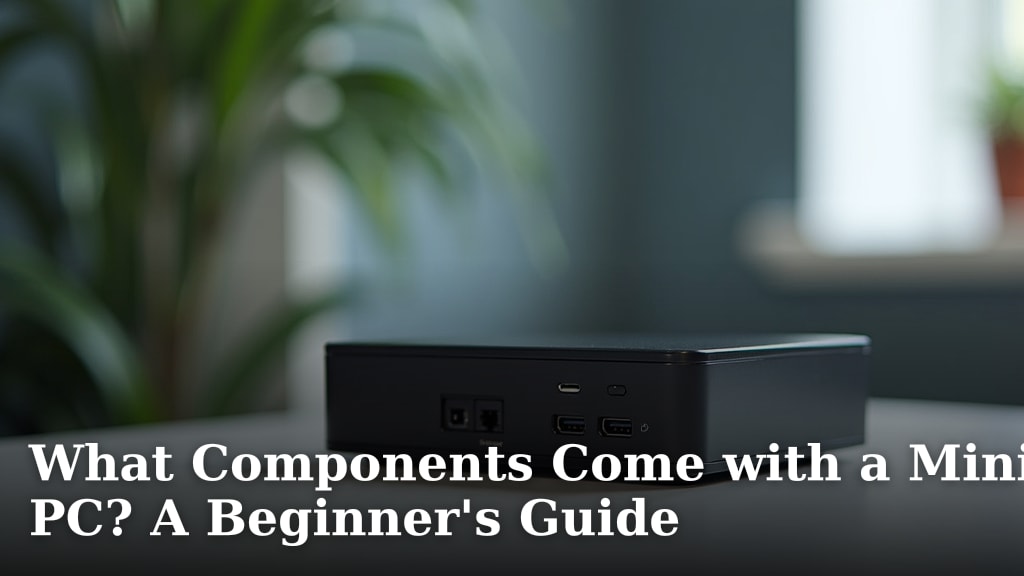
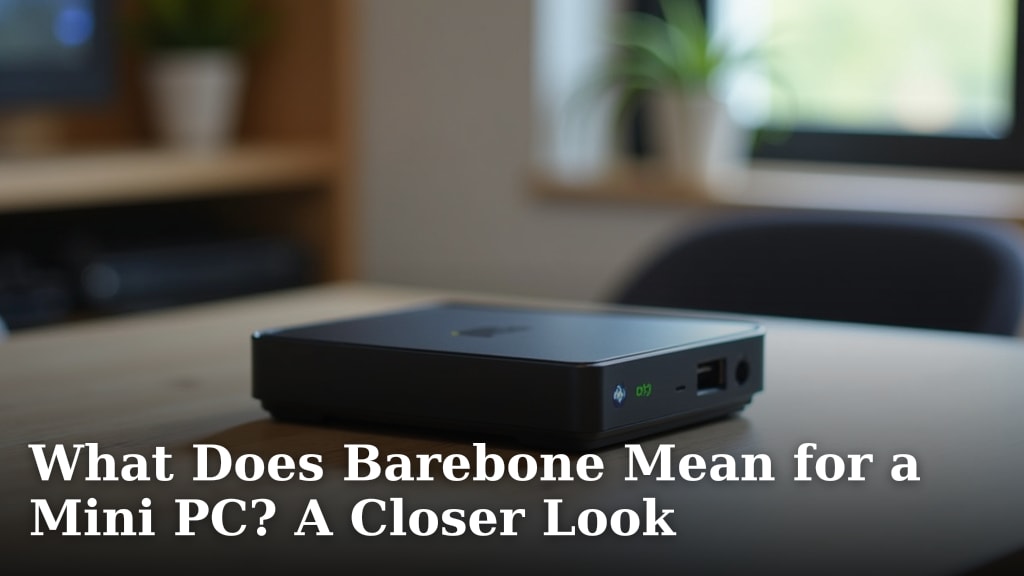
A barebone mini PC may need memory or storage added before it’s ready for your setup. See [What Components Come with a Mini PC?
A Beginner’s Guide](/what-components-come-with-a-mini-pc/) and What Does Barebone Mean for a Mini PC? A Closer Look before comparing configurations.
Also check the ports against your keyboard, mouse, monitor, network connection, and any external drives. A processor can fit your needs while the computer still lacks a connection you rely on.
Does cooling affect an Intel N200 mini PC?
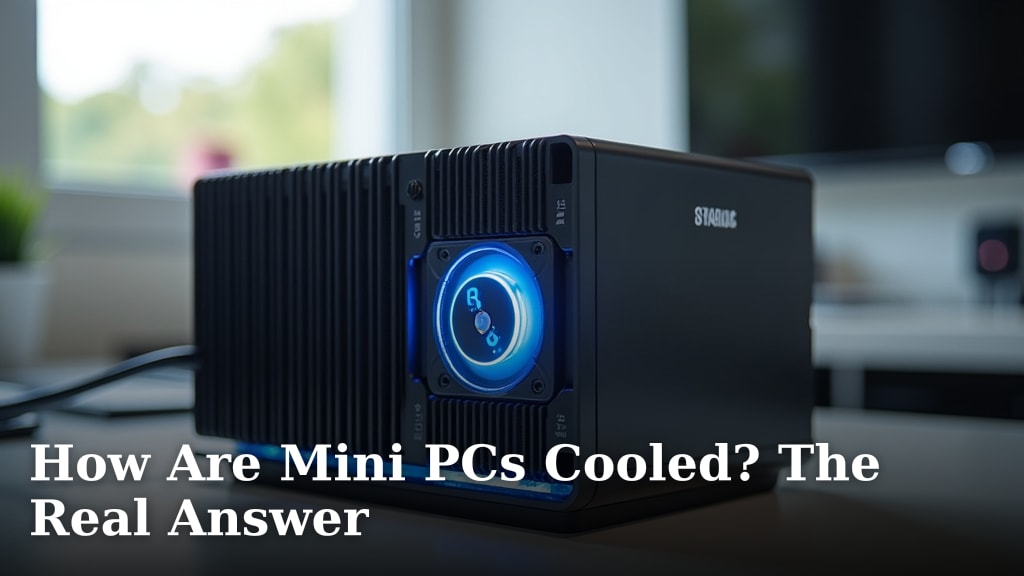
Yes, the cooling design matters because the processor has to work within the mini PC’s thermal limits. A compact case has limited space, so look at how the system moves heat and where its air vents sit.
Leave the vents clear and avoid placing the computer where airflow is blocked. For more detail on airflow and cooling layouts, read [How Are Mini PCs Cooled?
The Real Answer](/how-are-mini-pcs-cooled/).
An external fan may help move air around a device, but it can’t replace the mini PC’s own cooling system. The Wathai set has two 40 mm USB-powered fans with an adjustable speed controller, intended for ventilation in small spaces.
These fans are add-on ventilation, not a way to increase processor performance. Check their placement and airflow before adding them to a mini PC setup.
Is an Intel N200 suitable for games or demanding apps?
Choose an N200 system for games or demanding apps only after checking the exact software requirements and computer configuration. The processor name alone doesn’t confirm that a game or creative program will run well.
Look for the software’s minimum and recommended requirements, then compare them with the mini PC’s processor, memory, graphics capabilities, storage, and operating system. Also check the ports and display support if the setup uses a high-resolution screen or multiple monitors.
If the apps you rely on need more power than the N200 computer offers, choose a more capable system. A compact size can be convenient, but it doesn’t remove the computing needs of your software.
Which portable monitor fits an N200 mini PC setup?
Choose a portable monitor based on its connections and how you plan to power it. A display is useful only if your mini PC can send video through a compatible port.
The InnoView portable monitor has a 15.6 in, 1080p display, two full-function USB-C ports, and an HDMI port. Its USB-C video connection requires compatible video output from the connected device.
The monitor does not include a power adapter. Check the power and video connection requirements before adding it to a desktop or travel setup.
How do you decide if the Intel N200 is right for you?
Choose an Intel N200 mini PC when your regular tasks are light and the full system meets your app, memory, storage, and port needs. Consider another processor if your workload depends on demanding apps or sustained heavy multitasking.
Start with a list of what you’ll do most days, then compare that list with the software requirements and exact mini PC configuration. Pick the N200 if those needs fit; otherwise, look for a system built for the heavier work you expect.