What Components Come with a Mini PC? A Beginner’s Guide
Conclusion
You’ve seen the core components inside a mini PC, including the processor, RAM, storage, and ports. Each piece works together to deliver capable performance in a small package. As a beginner, knowing what to look for helps you match a system to your daily tasks. We recommend starting by listing what you need from a computer, then checking mini PC specs against that list. Take this step to find the right fit for your home or office setup.
Frequently Asked Questions
Do mini PCs include a power supply in the box?
Yes, a mini PC always comes with its required power adapter or cable. This component is essential to turn the unit on and is matched to the system’s power needs. You won’t need to purchase one separately.
Can I add a graphics card to a mini PC for gaming?
Most mini PCs do not have space or slots for a dedicated graphics card. They rely on integrated graphics from the processor for visual output. For light gaming, this works fine, but for demanding titles, a full desktop is a better choice.
What is the difference between mini PC components and laptop parts?
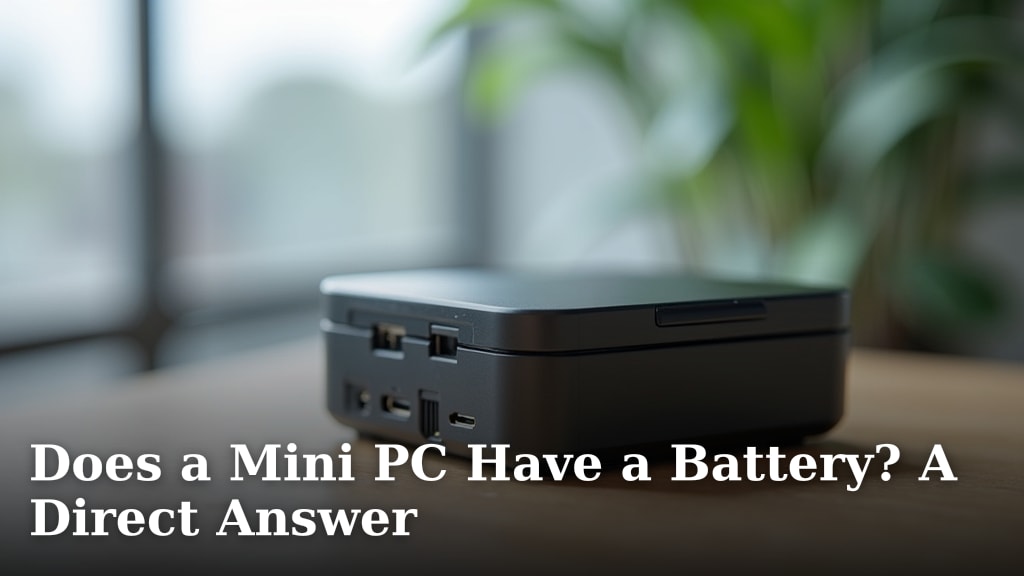
Mini PCs often use similar low-power components found in laptops, like mobile processors. However, they are housed in a desktop-style case without a built-in screen or battery, while still functioning as a real computer. This allows for more flexible placement and cooling options.
Are the components in a mini PC upgradeable over time?
Some models allow you to upgrade the RAM or storage, but others have parts soldered in place. It depends on the specific brand and design. Always check the product details or manual before planning any future upgrades.
Does a mini PC come with a keyboard and mouse?
Most mini PCs are sold as the computer unit only, without peripherals like keyboards or mice. You will need to use your own or purchase them separately. This keeps the initial cost lower and lets you choose your preferred accessories. If a system is sold without key parts, see what barebone means for a mini PC.