Does a Mini PC Have a Battery? A Direct Answer
On this page (4 sections)
No, a typical Mini PC does not have a built-in battery. Unlike laptops, these small desktop computers are designed to be plugged into a wall outlet for power. You will need to keep your Mini PC connected to mains power to operate it.
This means they aren’t built for portable use on their own. If you need battery backup for your Mini PC, you’ll have to look into external power solutions. We found that most users seeking portability from a Mini PC often pair it with a UPS.
- Mini PCs generally do not include an internal battery.
- They require a constant connection to a wall outlet for power.
- Portability is not their main design feature without external help.
- Consider a UPS (Uninterruptible Power Supply) for battery backup.
Let’s get straight to the point about Mini PC batteries and what you need to know to make an informed decision.
Understanding Mini PC Power Needs
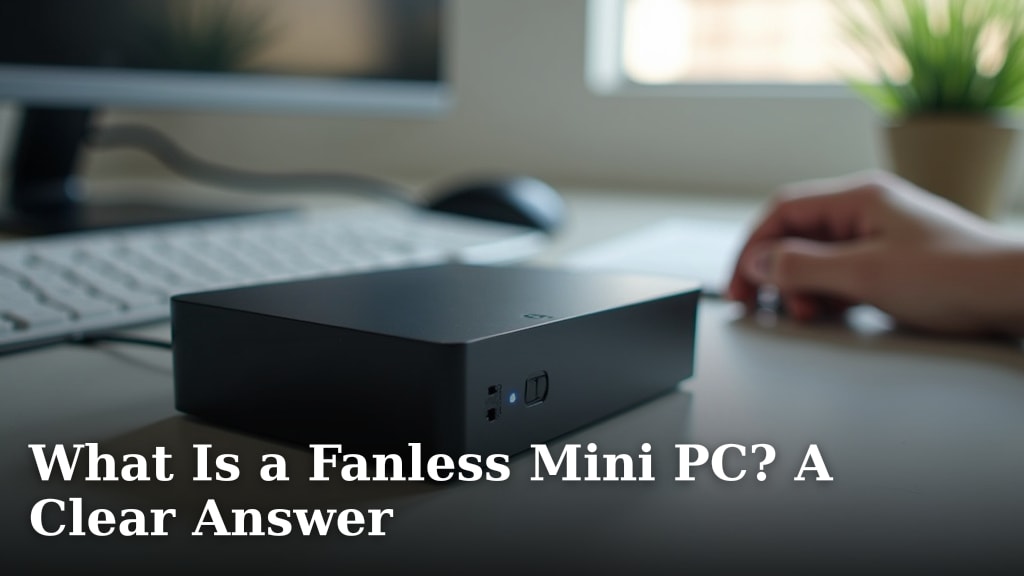
So, does a Mini PC have a battery? The short answer is no, not typically. These compact computers are designed differently than laptops. They’re meant to sit on a desk and stay plugged in. Think of them more like a small, traditional desktop computer that happens to be very space-efficient.
You won’t find a rechargeable battery tucked inside a standard Mini PC. This means they need a constant connection to a power outlet to function. If you unplug them, they shut down instantly, just like your living room TV when the power goes out.
Why Mini PCs Lack Internal Batteries
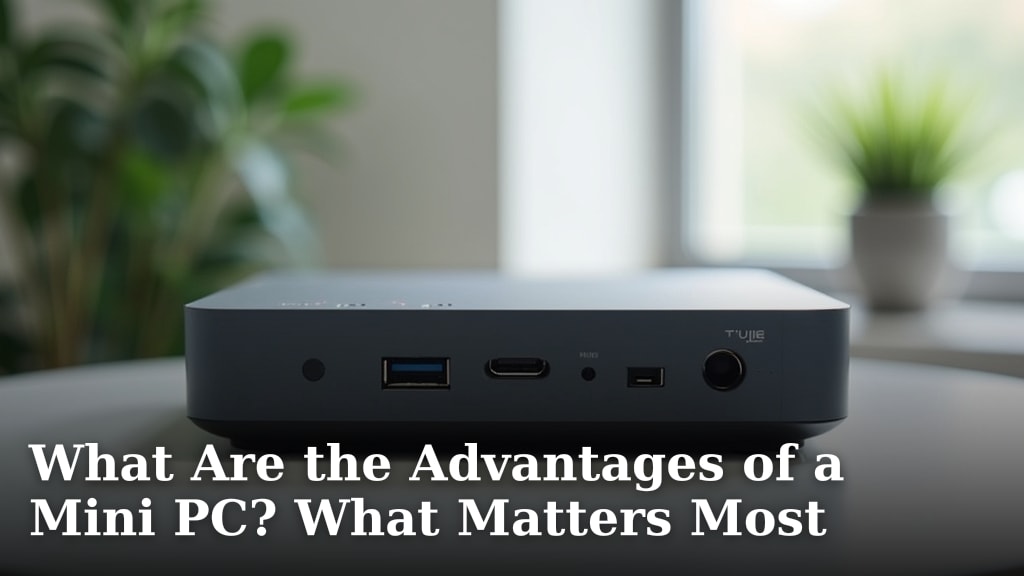
The primary reason Mini PCs don’t have batteries is their design philosophy. They aim to offer desktop-level performance in a tiny form factor. Adding a battery would introduce bulk, cost, and complexity that goes against their core purpose.
Manufacturers focus on making them small, affordable, and energy-efficient for stationary use. They’re perfect for a home office setup, a media center, or a digital signage display where they can remain plugged in. Portability isn’t their main selling point.
Cost and Space Considerations
Batteries add a significant cost to any electronic device. For a Mini PC, which is often chosen for its budget-friendly nature, including a battery might push the price out of reach for many shoppers. Also, a battery requires space, and Mini PCs are all about saving space.
Intended Use Cases
Most Mini PCs are intended for use in environments where a power outlet is readily available. Think about offices, entertainment centers, or even industrial settings. In these scenarios, a battery backup isn’t a common requirement because power is generally stable.
What if You Need Battery Power for Your Mini PC?
Even though Mini PCs don’t have built-in batteries, you can still achieve some level of battery-backed operation. You just need to use external solutions. These methods allow you to keep your Mini PC running even if the main power source flickers or fails temporarily.
The most popular and effective way to achieve this is by using an Uninterruptible Power Supply, or UPS. We found this to be the go-to solution for many users needing this capability.
The Uninterruptible Power Supply (UPS) Solution
A UPS is essentially a battery backup system designed for electronics. It sits between your Mini PC and the wall outlet. When the power is on, the UPS charges its internal battery and passes the power through to your device.
If the power goes out, the UPS instantly switches to battery power. This gives you a grace period to save your work and shut down your Mini PC properly. It prevents sudden shutdowns that can corrupt data or damage your system.
We’ve seen many users connect their Mini PC, monitor, and other essential peripherals to a UPS. This ensures that your entire workstation stays functional during short power interruptions. The runtime varies depending on the UPS capacity and the power draw of your devices.
Choosing the Right UPS
When selecting a UPS for your Mini PC, consider its power capacity (measured in VA or Watts). You need a UPS that can handle the total power consumption of your Mini PC and any other connected devices. Most Mini PCs have a low power draw, often under 65 watts, making them easy to power with most standard UPS units.
We found that a 450VA to 650VA UPS is usually more than sufficient for a typical Mini PC setup. Always check the power requirements of your specific Mini PC and monitor. You can usually find this information on the power adapter or in the device’s manual.
Other External Power Options (Less Common)
While a UPS is the most practical solution, other external power sources exist. Some users might consider portable power stations, which are essentially large batteries with AC outlets. These can power your Mini PC for extended periods.
However, these are generally more expensive and bulkier than a standard UPS. They are often overkill unless you need to power multiple devices or have very specific off-grid requirements. For most people, a UPS strikes the best balance of cost, convenience, and protection.
Can You Power a Mini PC with a Laptop Battery?
It’s a creative thought, but generally, no, you cannot directly power a Mini PC with a laptop battery. The power connectors and voltage requirements are usually different. Laptops are self-contained systems, while Mini PCs draw power from an external adapter.
Attempting to jury-rig a connection could damage both your Mini PC and the laptop battery. It’s always best to stick with approved power solutions designed for your devices.
What About Mobile Power Banks?
Some high-capacity mobile power banks offer AC outlets, similar to portable power stations. If the power bank has sufficient wattage and the correct output (often 110V/220V AC), it could theoretically power a Mini PC. You’d need to ensure the power bank’s output matches the Mini PC’s input requirements.
However, just like with portable power stations, these are often less efficient and more expensive than a dedicated UPS for this purpose. They also might not provide the clean, stable power that a UPS offers, which is important for computer components.
Key Takeaways for Mini PC Power
To sum up what we’ve discussed about Mini PC power and batteries, here are the most important points to remember. Keeping these in mind will help you make the best decision for your setup.
- Mini PCs are designed for plugged-in operation and do not have internal batteries.
- You need a constant connection to a wall outlet for them to work.
- For battery backup, an Uninterruptible Power Supply (UPS) is the most common and effective solution.
- A UPS provides a buffer during power outages, allowing for a safe shutdown.
- When choosing a UPS, ensure its wattage capacity meets or exceeds the power needs of your Mini PC and peripherals.
Many users find that pairing their Mini PC with a small UPS offers the perfect blend of portability and power reliability. It’s a practical way to ensure your computer stays safe and operational when you need it most. We’ve found this approach to be highly effective for creating a dependable workspace.
Checklist: Powering Your Mini PC Safely
Here’s a quick checklist to help you manage your Mini PC’s power needs:
- Confirm your Mini PC’s power adapter specifications (volts and watts).
- Research UPS units with adequate wattage to cover your Mini PC and monitor.
- Consider the runtime you need from battery backup during an outage.
- Ensure you have the correct cables to connect your Mini PC to the UPS.
- Test your UPS setup periodically to confirm it’s working correctly.
- Keep your Mini PC’s operating system settings configured for safe shutdown.
Conclusion
So, to answer your main question directly: No, your Mini PC doesn’t come with a built-in battery. These compact machines are designed for reliable, plugged-in performance, not for going mobile on their own. Think of them as small, efficient desktops that need to stay connected to a power outlet. If you need to keep your Mini PC running during power dips or outages, your best bet is an external Uninterruptible Power Supply (UPS). We’ve found that a modest UPS unit can offer peace of mind and protect your work. Before you buy, just double-check your Mini PC’s power needs and pick a UPS that can handle it. This simple step ensures your Mini PC stays powered when you need it most.
Frequently Asked Questions
Can I use a portable power bank to run my Mini PC?
Some high-capacity power banks with AC outlets can technically power a Mini PC. You’ll need to ensure the power bank’s wattage and output voltage match your Mini PC’s requirements. However, these are often less efficient and more costly than a dedicated UPS for this task.
What happens if my Mini PC loses power suddenly?
If your Mini PC loses power suddenly, it will shut down immediately. This can lead to unsaved data loss and, in rare cases, could corrupt system files. This is why using a UPS is recommended for protection against unexpected power interruptions.
How do I know what size UPS I need for my Mini PC?
You need to check the power consumption (in watts) of your Mini PC and any connected devices like your monitor. Add these numbers together, and choose a UPS with a wattage capacity that is higher than that total. A 450VA to 650VA UPS is usually sufficient for a typical Mini PC setup.
Will a UPS allow my Mini PC to run for hours without wall power?
A UPS provides battery backup for a limited time, usually enough to save your work and shut down properly. The runtime depends on the UPS battery size and how much power your Mini PC and other connected devices are drawing. It’s not designed for extended off-grid operation.
Can I connect my Mini PC and monitor to the same UPS?
Yes, you absolutely can connect both your Mini PC and your monitor to the same UPS. Just make sure the combined wattage draw of both devices is within the UPS unit’s capacity. This is a common and practical way to ensure your entire workstation remains protected.