What Are the Advantages of a Mini PC? What Matters Most
On this page (3 sections)
A mini PC offers big advantages in a small package, making them a smart choice for many users. These compact computers pack surprising power and flexibility into a tiny footprint. You get plenty of performance without the clutter of a traditional desktop.
Many shoppers are drawn to mini PCs for their space-saving design. They fit easily on any desk or entertainment center. You can often customize them to meet your specific needs. We found that their energy efficiency is another major plus for your electricity bill.
- They save a lot of desk space.
- Mini PCs are surprisingly powerful.
- They use less electricity.
- You can often customize them easily.
- They are quiet and cool.
Let’s dive deeper into why a mini PC might be the perfect fit for your home or office setup.
Why a Mini PC Might Be Your Next Smart Buy
You might be wondering if a tiny computer can really do everything a big one can. The answer is often a resounding yes! We found that mini PCs pack a punch that surprises many shoppers. They offer a lot of computing power without taking up your entire desk.
Space Saving Superpowers
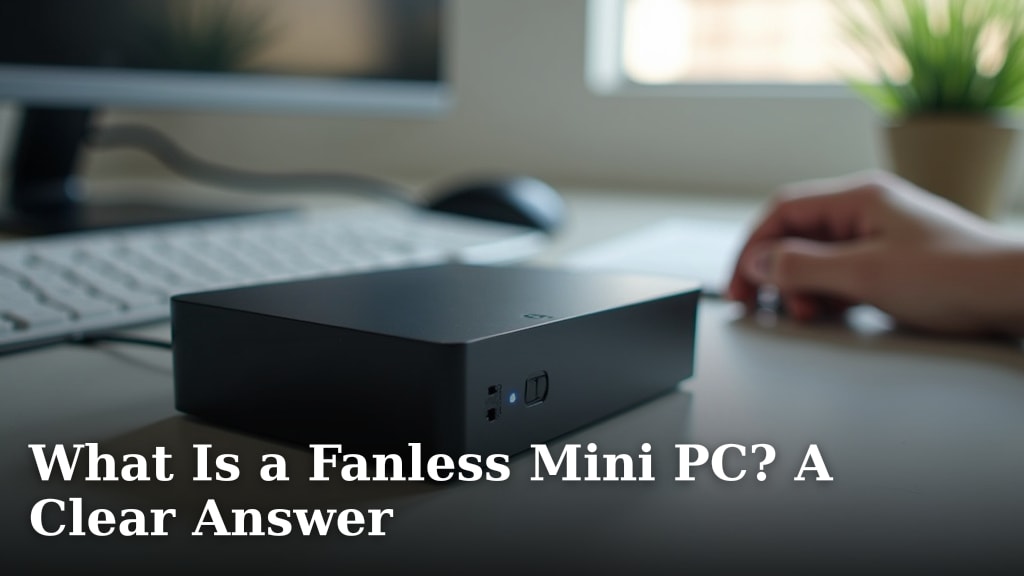
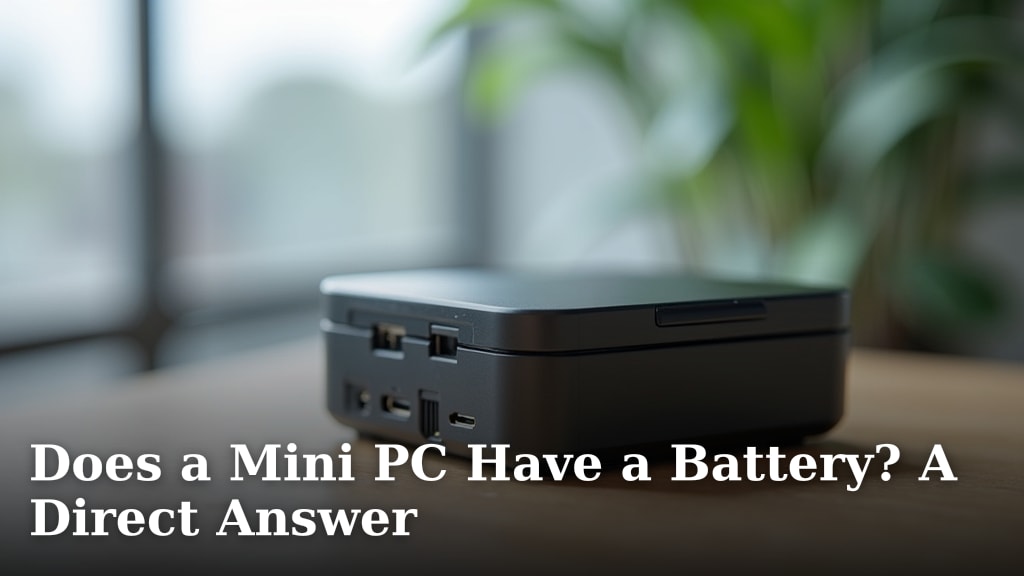
Let’s talk about the most obvious benefit: size. Traditional desktop towers can be real space hogs. They often end up under your desk, gathering dust bunnies. Mini PCs, on the other hand, are designed to be small. They can easily sit behind your monitor, on a shelf, or even be mounted on the back of your TV. We found that this makes them perfect for home offices, small apartments, or any situation where space is a premium.
A Clutter-Free Workspace
Imagine a desk with just your monitor, keyboard, and mouse. No bulky tower, no mess of cables. That’s the dream for many people. Mini PCs help make that a reality. They contribute to a cleaner, more organized workspace. This can lead to less distraction and a more focused work environment. We found that studies suggest a tidy space can improve productivity.
Surprisingly Capable Performance
Don’t let their small size fool you. Modern mini PCs are built with capable processors and ample RAM. You can find models that handle everyday tasks like web browsing, email, and document editing with ease. Many can even manage more demanding work, like light photo editing or casual gaming. We found that for most home and office users, a mini PC offers more than enough power.
What Can You Really Do?
Think of a mini PC as a versatile tool. It’s great for a family computer that the kids can use for homework. It’s excellent as a media center PC connected to your TV. Some professionals even use them for dedicated tasks like running servers or digital signage. We found that the key is matching the mini PC’s specs to your intended use. You don’t need a supercomputer for sending emails, right?
Energy Efficiency Matters
One of the hidden gems of mini PCs is their low power consumption. Because they have smaller components and less powerful cooling systems, they sip electricity compared to full-sized desktops. This is good for your wallet and good for the planet. We found that many mini PCs use a fraction of the power of a standard desktop.
Saving Money and Energy
Lower electricity bills add up over time. If your computer is on for many hours a day, choosing an energy-efficient model makes sense. We found that the cost savings can be significant, especially if you have multiple computers. It’s a smart choice for eco-conscious shoppers too. The Environmental Protection Agency (EPA) encourages energy-efficient electronics (EPA).
Quiet Operation and Cooler Temps
Traditional desktops often have loud fans that can be distracting. Mini PCs, with their scaled-down components, are typically much quieter. Many use passive cooling or very small, low-noise fans. This means you can work or relax without the constant hum of machinery. We found that a quieter environment is often a more pleasant one.
Less Heat, Less Noise
The smaller form factor also means less heat generated. While they might not be suitable for intense, prolonged gaming sessions without good airflow, for typical use, they stay cooler. This cooler operation contributes to both their quietness and potentially their longevity. We found that less heat stress on components can lead to a longer lifespan.
Customization and Flexibility
Many mini PCs offer a surprising amount of flexibility. While some come pre-configured, others allow you to choose your RAM and storage. This means you can tailor the system to your exact needs and budget. You aren’t stuck with a fixed configuration. We found that this ability to customize is a big plus for many buyers.
Upgrading Made Easier
Need more storage space for your photos and videos? Or perhaps you want to boost performance with more RAM? Many mini PCs allow for easy upgrades of these components. You simply open the case (which is usually quite simple) and swap out the parts. This extends the life of your computer and saves you money on buying a whole new system later. We found that this upgrade path is a significant advantage over some all-in-one computers.
A Look at Mini PC Use Cases
To help you visualize where a mini PC shines, consider these common scenarios. They are great for:
- Home office productivity: Email, documents, spreadsheets, and video calls.
- Media centers: Streaming movies, music, and browsing the web on your TV.
- Student computers: Homework, research, and online learning.
- Digital signage: Displaying information in public spaces or businesses.
- Light creative work: Basic photo editing or graphic design.
- Guest or secondary computers: For visitors or occasional use.
We found that the versatility is a key selling point. It’s not just about saving space; it’s about getting a capable computer that fits your life.
Mini PC vs. Traditional Desktop: What’s the Difference?
The main difference, as you might guess, is size. But let’s break down what that means in practice.
| Feature | Mini PC | Traditional Desktop |
|---|---|---|
| Size | Very small, often fits in your hand. | Large tower, takes up significant desk or floor space. |
| Portability | Highly portable, easy to move between locations. | Not portable, designed to stay in one place. |
| Power Consumption | Very low. | Higher, especially for high-performance models. |
| Noise Level | Generally very quiet. | Can be noisy due to larger fans. |
| Upgradeability | Limited, often RAM and storage. | Extensive, can upgrade most components. |
| Performance Potential | Excellent for everyday tasks, some can handle more. | Can be extremely powerful for demanding tasks. |
| Cost | Often more budget-friendly for basic needs. | Can range from affordable to very expensive. |
We found that the choice really depends on your priorities. If space and energy savings are key, a mini PC is likely a winner. If you need the absolute highest performance for heavy-duty tasks or extensive customization, a traditional desktop might still be the way to go.
Key Things to Consider Before You Buy
As you look at different mini PC options, keep these points in mind:
- Your Primary Use: What will you mainly be doing?
- Processor (CPU): Intel Core i3/i5/i7 or AMD Ryzen 3/5/7 are common.
- RAM (Memory): 8GB is good for most users; 16GB is better for multitasking.
- Storage: SSDs are much faster than HDDs. Look for at least 256GB.
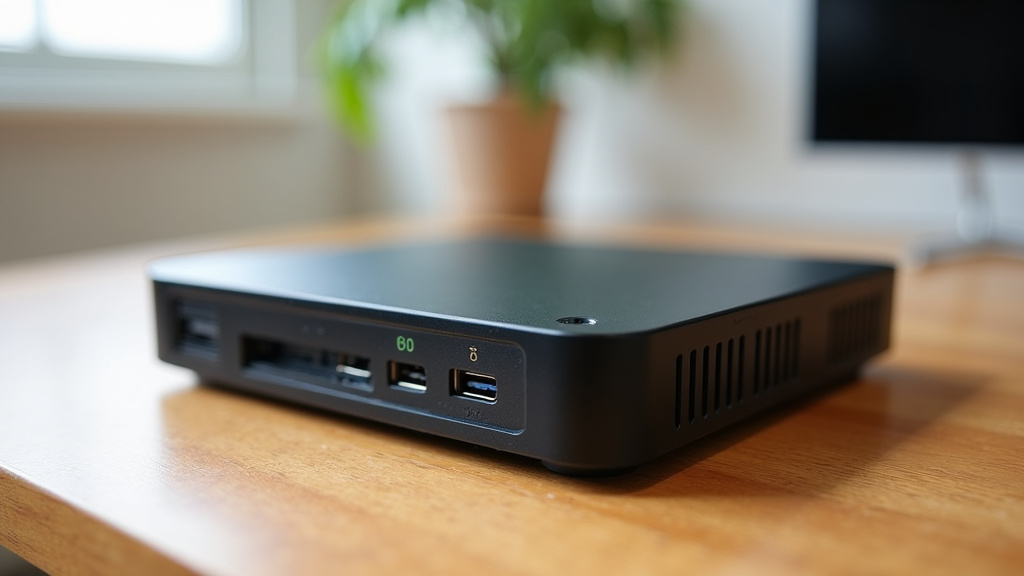
- Ports: Ensure it has enough USB ports, HDMI, etc., for your needs.
- Operating System: Does it come with Windows, Linux, or no OS?
We found that taking a moment to list your requirements will help you choose the right mini PC for your situation. It’s about finding the best fit for your specific needs, not just the smallest box.
Conclusion
You’ve seen that mini PCs offer a compelling blend of performance and practicality. They excel in saving you precious desk space and cutting down on energy costs, all while operating quietly. We found that for many everyday computing needs, a mini PC truly delivers. It’s not just about being small; it’s about being smart and efficient. Consider your specific tasks and choose a mini PC that fits your lifestyle. Your next purchase could simplify your setup and boost your productivity.
Frequently Asked Questions
Can a mini PC really replace my current desktop computer?
For most typical users, yes. We found that mini PCs handle web browsing, office tasks, and media streaming with ease. If you don’t need extreme graphics power or extensive internal expansion, a mini PC is a great alternative.
Are mini PCs good for gaming?
Some mini PCs can handle light or older games. However, for demanding modern titles, you’ll likely need a more powerful system. We found that it’s best to check the specific graphics capabilities of any mini PC you’re considering for gaming.
How much electricity does a mini PC use compared to a laptop?
Mini PCs are generally very energy efficient, often using similar or even less power than a laptop. Their smaller components require less energy to run. We found that this translates to noticeable savings on your electricity bill over time.
Is it hard to set up a mini PC?
Setting up a mini PC is usually as simple as setting up a traditional desktop. You connect your monitor, keyboard, and mouse, then power it on. We found that most come with Windows pre-installed, making the initial startup very straightforward.
What are the biggest downsides to using a mini PC?
The main limitations are often upgradeability and raw performance potential. While you can usually upgrade RAM and storage, you can’t swap out the graphics card or processor as easily as in a desktop. We found that for specialized, high-demand tasks, a traditional PC might offer more flexibility.