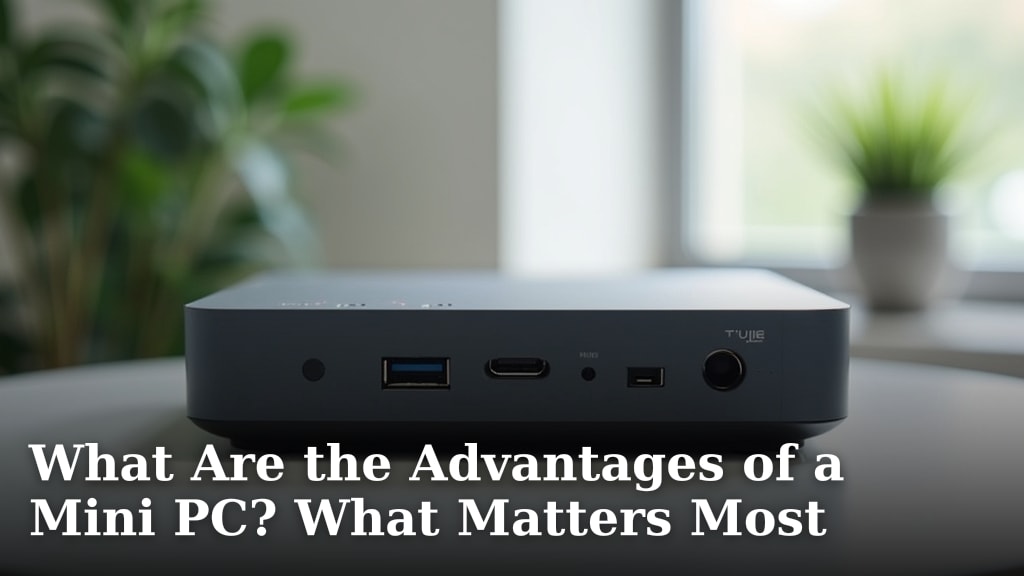
What Is a Fanless Mini PC? A Clear Answer
On this page (7 sections)
A fanless mini PC is a small, quiet computer that uses passive cooling instead of noisy fans. This design makes them ideal for spaces where silence is important. They offer a compact computing solution without the distraction of fan noise.
Think of it as a miniature desktop computer, but without the whirring sounds that can be a common annoyance. To compare the tradeoffs, read our guide to mini PCs vs laptops. These small machines are designed for specific uses where a traditional PC might be overkill or too loud. We found that many people choose them for home media centers or quiet office setups.
- A fanless mini PC is a small computer without a cooling fan.
- It uses passive cooling, making it very quiet.
- These PCs are great for silent operation.
- They are a compact alternative to larger computers.
Ready to learn more about these cool, quiet machines? Let’s dive into what makes a fanless mini PC unique and whether it’s the right choice for you.
Understanding the Fanless Mini PC
You’re curious about what a fanless mini PC is and why someone might choose one. Some shoppers describe it as a laptop without a screen, but it has a desktop-style design. At its heart, a fanless mini PC is a small computer that gets rid of the noisy fans you’d find in most desktop or laptop computers. Instead, it relies on a smart design for cooling.
How Does a Fanless Mini PC Stay Cool?
This is where the magic happens. Traditional computers use fans to blow air across hot components, like the CPU, to cool them down. Fanless mini PCs use a method called passive cooling. This means they use materials and designs that naturally draw heat away from the internal parts.
Heatsinks: The Silent Heroes
You’ll often find large heatsinks inside these PCs. These are typically made of metal with fins. The heat from the CPU or other hot components transfers directly to the heatsink. The fins increase the surface area, allowing heat to dissipate into the surrounding air more effectively, much like a radiator in a car.
Case Design Matters
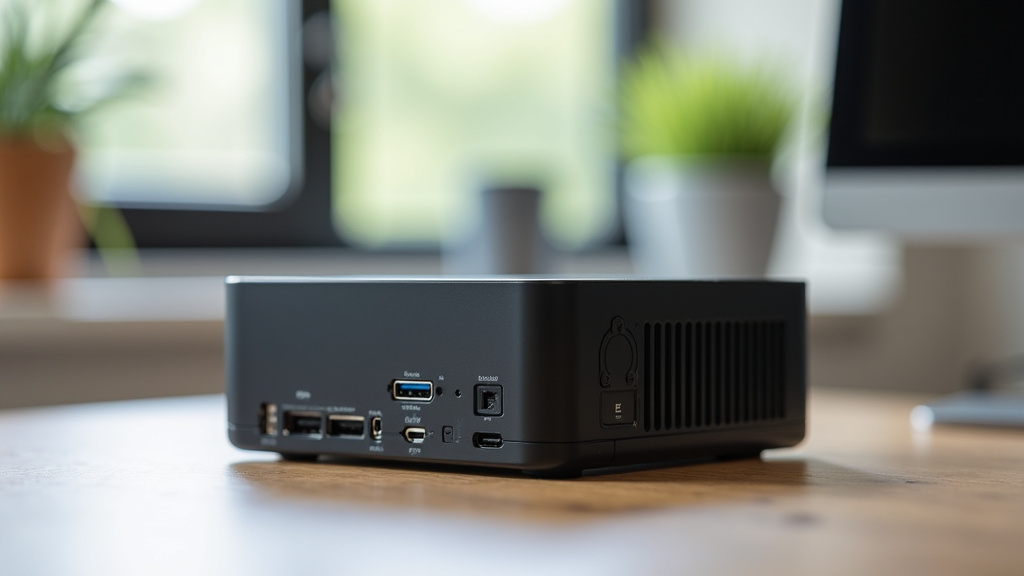
The computer’s case itself plays a big role. Many fanless mini PCs are built with metal cases, often aluminum. This metal case acts as a giant heatsink. It absorbs heat from the internal components and then radiates it outwards into the room. This clever design means there are no moving parts to create noise or collect dust.
What Makes Them Different from Regular PCs?
The biggest difference is noise. A fanless PC is virtually silent. This is a huge advantage if you’re sensitive to noise or if your computer is in a space where quiet is important. You also get a much smaller footprint, saving desk space.
However, this quiet operation does come with some considerations. Because they lack active cooling (fans), their performance might be limited compared to powerful gaming PCs with multiple fans. They are generally designed for everyday tasks rather than heavy-duty gaming or video editing.
Key Benefits of Choosing a Fanless Mini PC
So, why would you opt for one of these? The advantages are quite compelling for certain users. Let’s break down the main reasons people find them so appealing.
1. Silent Operation
This is the star feature. Imagine working, watching a movie, or listening to music without the constant hum or whir of a fan. Fanless mini PCs offer a truly quiet computing experience. This is perfect for home offices, bedrooms, or living room media setups where distractions are unwelcome.
2. Compact Size and Portability
Mini PCs, by definition, are small. Fanless models are often even more streamlined because they don’t need space for bulky fans and their associated airflow pathways. Their small size makes them easy to tuck away behind a monitor, mount on a wall, or carry between different locations if needed.
3. Energy Efficiency
Without fans constantly spinning, these PCs generally consume less power. This not only saves you a bit on your electricity bill but also means they produce less heat overall. Many fanless mini PCs are designed with energy saving in mind, making them a greener choice.
4. Reduced Dust and Maintenance
Fans are notorious dust magnets. As they pull air into a computer, they also pull in dust, which can clog components and lead to overheating. Since fanless PCs have no fans, there’s much less dust buildup. This means less frequent cleaning and potentially a longer lifespan for your components.
5. Durability and Reliability
Moving parts, like fans, are often the first things to fail in a computer. By eliminating fans, fanless mini PCs remove a common point of failure. This can lead to a more reliable and durable machine, especially for use in environments where vibrations might be an issue.
Who is a Fanless Mini PC For?
These computers aren’t for everyone, but they shine in specific scenarios. Think about these common use cases to see if one fits your needs.
Home Theater PCs (HTPCs)
If you want to stream movies and TV shows from the internet or your own media library, a fanless mini PC is ideal. It can sit quietly in your living room, hooked up to your TV, without adding any distracting noise to your viewing experience. You get a clean entertainment hub.
Office and Productivity Tasks
For everyday office work like email, web browsing, document editing, and spreadsheets, a fanless mini PC provides all the power you need. Its silent operation can make your workspace more peaceful and help you focus better. They are a great option for small offices or home workstations.
Digital Signage and Kiosks
In commercial settings, fanless mini PCs are often used to power digital displays in stores, restaurants, or public spaces. Their small size, quiet operation, and reliability make them suitable for 24/7 operation without drawing attention or needing frequent maintenance.
Light Graphic Design and Media Consumption
While not for heavy-duty professional design, some fanless models can handle light photo editing or managing media libraries. Their primary strength remains in tasks that don’t require intense processing power.
Understanding the Trade-offs
No computer is perfect for every situation. It’s important to be aware of what you might be giving up when you choose a fanless design. We found that understanding these trade-offs helps many shoppers make the right decision.
Performance Limitations
The biggest trade-off is usually performance limitations. Because passive cooling can only handle so much heat, the processors used in fanless mini PCs are often less powerful than those in traditional desktops. They are designed to operate within specific thermal limits. Pushing them too hard can lead to throttling, where the computer slows down to prevent overheating.
Not for High-End Gaming
If you’re a serious gamer, a fanless mini PC is likely not what you’re looking for; read our mini PC gaming guide to weigh the tradeoffs. Modern games generate a lot of heat and require powerful cooling systems. While some very light gaming might be possible, it’s not their intended use. For gaming, active cooling with fans is generally necessary.
Potential for Higher Cost
Sometimes, the specialized design and materials used for passive cooling can make fanless mini PCs slightly more expensive than comparable PCs with fans. However, prices vary greatly, and many affordable options exist, especially for basic tasks.
Limited Upgradability
Like many mini PCs, fanless models can have limited options for upgrading internal components, especially the CPU, which is often integrated into the motherboard and directly linked to the cooling solution. RAM and storage are usually upgradable, though.
Key Features to Look For
When you’re ready to shop for a fanless mini PC, keep these points in mind. They will help you find a model that suits your specific needs and budget.
- Processor (CPU): Choose based on your tasks. For basic use, an Intel Celeron or Core i3 is fine. For more demanding work, consider a Core i5 or i7.
- RAM: 8GB is usually sufficient for everyday tasks. 16GB is better for multitasking or light creative work.
- Storage: An SSD (Solid State Drive) is a must for speed. Aim for at least 256GB.
- Ports: Ensure it has enough USB ports, HDMI or DisplayPort for your monitor(s), and an Ethernet port.
- Operating System: Many come with Windows pre-installed, but some offer options like Linux or are sold without an OS.
- Build Quality: Look for sturdy metal construction for good heat dissipation.
In summary, a fanless mini PC offers a quiet, compact, and energy-efficient computing solution. They are perfect for users who prioritize a peaceful environment and have moderate computing needs. Just be mindful of their performance limits for demanding applications.
Conclusion
You’ve learned that a fanless mini PC is a compact computer designed for quiet operation. It uses passive cooling, like heatsinks and its case, to stay cool without noisy fans. This makes them perfect for silent home media setups or peaceful office environments. While they might not handle intense gaming or heavy video editing, they excel at everyday tasks.
If you value a distraction-free computing experience and a small footprint, a fanless mini PC could be your ideal choice. We recommend considering your primary computer needs carefully to ensure this quiet solution fits your lifestyle. Take the next step by comparing specific models based on the features discussed to find the right one for your home or office.
Frequently Asked Questions
Can a fanless mini PC really handle daily tasks without issues?
Yes, fanless mini PCs are excellent for common tasks like web browsing, email, document creation, and streaming media. Their processors are well-suited for these everyday activities, providing a smooth experience without fan noise.
How do I know if a fanless mini PC will get too hot for my needs?
If you plan on intensive tasks like gaming or professional video editing, you might push its limits. For typical office work or media consumption, the passive cooling is generally sufficient. You might notice performance slowing if you consistently run very demanding applications.
Are fanless mini PCs difficult to set up?
No, setting them up is usually just as easy as a standard desktop. You’ll typically connect your monitor, keyboard, and mouse, and then power it on. Many come with Windows pre-installed, so you can start using them almost immediately.
Can I upgrade the RAM or storage in a fanless mini PC?
In most fanless mini PCs, you can upgrade the RAM and storage (like an SSD). The CPU is usually soldered to the motherboard and not upgradable. Always check the specific model’s specifications for upgrade options.
Do fanless mini PCs use much electricity?
Generally, they are quite energy-efficient. Without fans constantly running, they consume less power than many traditional desktop computers. This can lead to lower electricity bills and less heat output.