Is a Mini PC Better Than a Laptop? A Clear Guide
Is a Mini PC better than a laptop? For many users, the answer is yes, especially if you prioritize cost savings and customization over portability. Mini PCs often offer more power for your money, making them a smart choice for home offices or dedicated workstations where you don’t need to move around.
When comparing a Mini PC versus a laptop, think about your primary use. While laptops offer the convenience of being all-in-one devices, Mini PCs can be more adaptable. You can pair them with your preferred monitor, keyboard, and mouse for a truly personalized setup. We found that this flexibility is a major draw for many shoppers.
- Mini PCs can be Mini PCs are a type of small computers that offer desktop power in a compact form factor.cheaper for the same performance.
- You get more control over components with a Mini PC.
- Laptops are portable and have built-in screens.
- Consider how you’ll use it most often.
- Your budget is a key factor.
Ready to figure out which is the best fit for your needs? Let’s break down the pros and cons of each to help you make the right decision.
Mini PC vs. Laptop: Deciding the Right Fit for Your Workspace
So, you’re wondering if a Mini PC is the way to go, or if a laptop still holds the crown. It really boils down to your daily habits and what you expect from your computer. Both have their strengths, but they serve different needs. We’ve looked into what makes each unique.
Understanding the Core Differences
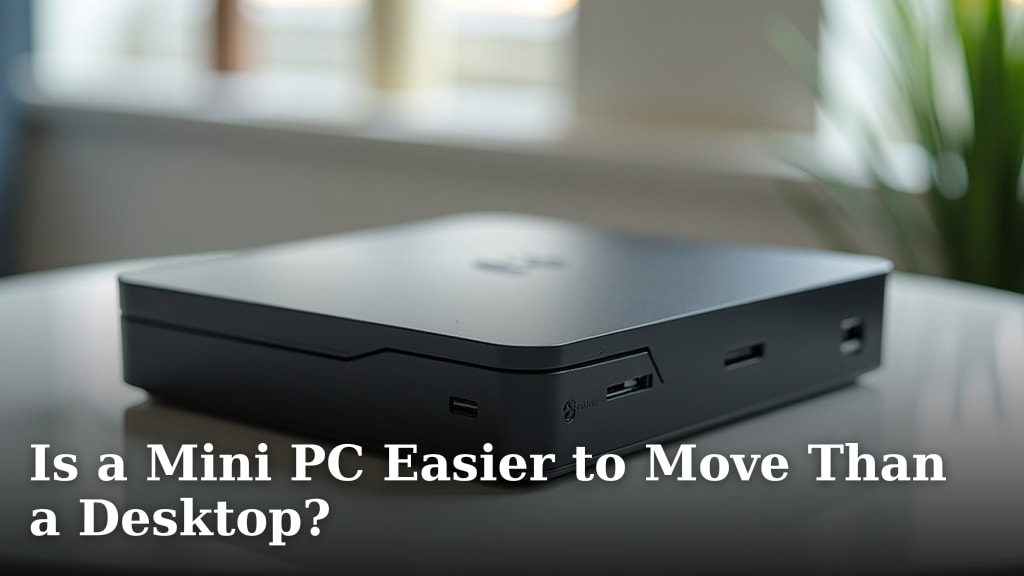
Think of a Mini PC as the engine and a laptop as the complete car. A Mini PC is essentially a compact desktop computer. It usually includes the central processing unit (CPU), graphics processing unit (GPU), memory (RAM), and storage. But it doesn’t come with a screen, keyboard, or mouse. You have to add those yourself.
A laptop, on the other hand, is an all-in-one package. It has the screen, keyboard, and trackpad built right in. It also has a battery, making it portable. This fundamental difference drives many of the pros and cons for each.
The Power and Price Proposition
One of the biggest draws for Mini PCs is often their bang for your buck. When you compare similarly specced Mini PCs and laptops, the Mini PC often comes out cheaper. This is because you’re not paying for the integrated screen, keyboard, battery, and the miniaturized components that make a laptop so slim.
For instance, you might find a Mini PC with a powerful processor and plenty of RAM for several hundred dollars less than a laptop offering the same internal power. This cost difference can be significant if you’re on a tighter budget or want to maximize performance for your money. We found this to be a common deciding factor for shoppers setting up home offices.
Many experts agree that for a fixed workstation, a Mini PC can offer better performance per dollar spent. You can often upgrade components more easily too, extending the life of your system without buying a whole new machine.
Customization and Flexibility: Your Personal Setup
This is where Mini PCs really shine for many users. Because they don’t include peripherals, you have the freedom to choose exactly what you want. Do you love a mechanical keyboard with satisfying clicks? You can plug one right in.
Perhaps you have a large, high-resolution monitor you’re already happy with. A Mini PC will work perfectly with it. You can create a setup that feels entirely tailored to your preferences, from ergonomics to aesthetics. This level of personalization is hard to achieve with a laptop without investing in external accessories that add to the cost and reduce portability.
We found that users who spend a lot of time at their desk often prefer this customizable approach. They can create a more comfortable and efficient workspace, which can lead to better productivity. It’s like building your dream computer, but in a much smaller package.
Portability: The Laptop’s Undeniable Edge
Let’s be clear: if you need to take your computer places regularly, a laptop is usually the better choice. Its integrated design means you can pack it up and go. Whether it’s to a coffee shop, a client meeting, or just a different room in your house, laptops are built for mobility.
The built-in screen and battery mean you don’t need to carry extra gear. This convenience is unmatched when you’re constantly on the move. While you can connect a Mini PC to a portable monitor, it adds bulk and requires power for each component, diminishing the ease of travel.
Space Saving: A Win for Mini PCs
Mini PCs are, as their name suggests, tiny. They often measure just a few inches on each side and can be tucked away discreetly behind a monitor using a VESA mount, or placed on a small shelf. This makes them ideal for smaller living spaces, minimalist desks, or even for use as digital signage.
Their small footprint means they take up very little real estate. This can make a big difference if you’re working with limited desk space. You can achieve a clean, clutter-free look with a Mini PC. Many users appreciate not having a bulky tower taking up room.
Use Cases: Where Each Shines Brightest
We found that different scenarios clearly favor one over the other. For example, a student who needs to take notes in lectures and work on assignments in the library will find a laptop indispensable.
Conversely, a remote worker who has a dedicated home office space and doesn’t need to travel for work might find a Mini PC a more cost-effective and customizable solution. If you’re setting up a home media server or a dedicated machine for a specific task, like photo editing on a large monitor, a Mini PC could be a fantastic choice.
For gaming, the decision can be more complex. While some Mini PCs can handle lighter gaming, high-end gaming often requires dedicated graphics cards and robust cooling systems that are more common in larger desktop towers. However, performance is improving rapidly in the Mini PC space.
Component Upgradability and Longevity
Generally, Mini PCs offer more straightforward options for upgrades. While some Mini PCs allow for RAM and storage upgrades, laptops are far more limited. Often, the only upgradeable components in a laptop are the RAM and storage, and even then, access can be difficult.
With a Mini PC, you have the potential to swap out storage drives or add more RAM down the line. This can help extend the lifespan of your computer, allowing you to keep up with software demands without needing to buy a completely new system. This is a key factor for budget-conscious shoppers looking for long-term value.
Connectivity: Ports and Peripherals
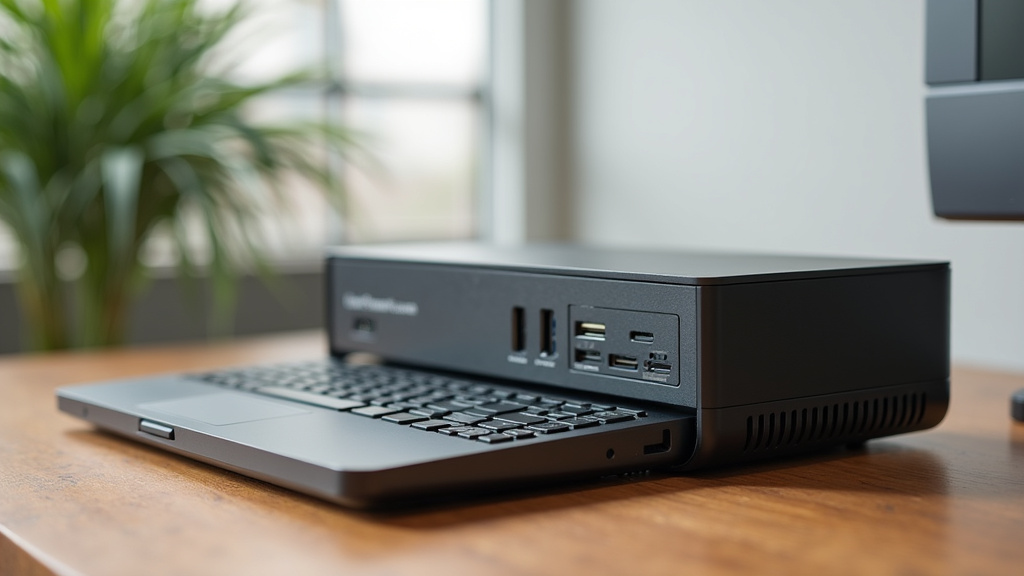
When it comes to ports, both devices offer a range, but the specifics can vary. Mini PCs often come with a good selection of USB ports, HDMI or DisplayPort for monitors, and Ethernet for wired internet. Some even include Wi-Fi and Bluetooth built-in.
Laptops also offer a variety of ports, but the number and type can be limited by their slim design. You might find yourself needing a dongle or a separate hub for more connectivity options with a laptop. This is another area where a Mini PC can offer greater flexibility if you use many peripherals.
The Checklist: Is a Mini PC Right for You?
To help you decide, ask yourself these quick questions:
- Do you need to move your computer around a lot?
- Is portability a top priority for your daily tasks?
- Are you looking to build a custom desktop setup?
- Do you want the most power for your budget at a fixed location?
- Is saving space on your desk important?
- Do you already own a monitor, keyboard, and mouse you love?
Power Consumption and Noise Levels
Mini PCs are often designed with energy efficiency in mind. Their small size and often lower-power components can lead to reduced electricity consumption compared to larger desktop computers. This can be a small but welcome saving on your energy bills over time.
Furthermore, due to their compact nature and often fanless or small-fan designs, Mini PCs can be very quiet. Some are virtually silent. This is a significant advantage if you work in a quiet environment or simply dislike the constant hum of a computer. Many users find the quiet operation a big plus for productivity and peace.
Conclusion
Deciding between a Mini PC and a laptop really comes down to your lifestyle and how you use your computer. If you need to work from different locations or value an all-in-one device, a laptop is likely your best bet. However, if you have a dedicated workspace and want more control over your setup, performance, and budget, a Mini PC offers excellent value. We found that for a personalized, cost-effective desktop experience, Mini PCs are a compelling choice. Consider your daily routine and priorities to make the right pick for your needs.
Frequently Asked Questions
Can I play video games on a Mini PC?
Some Mini PCs can handle lighter gaming titles, especially those with integrated graphics or a dedicated low-profile GPU. For high-end gaming, you’ll typically need more powerful components and better cooling, which are more common in larger desktop towers or specialized gaming laptops. Research specific Mini PC models and their gaming capabilities before buying.
Are Mini PCs easy to set up?
Yes, setting up a Mini PC is generally straightforward. You’ll need to connect your own monitor, keyboard, and mouse, just like with a traditional desktop. Once those are connected, you power on the Mini PC and follow the on-screen prompts to install your operating system and software. We found the setup process to be very similar to building a standard desktop.
How does a Mini PC compare to a laptop for battery life?
Mini PCs do not have batteries and require a constant power source, so they have no “battery life” in the way a laptop does. Laptops are designed for portability and include rechargeable batteries that allow you to use them away from a power outlet for several hours. If you need to work unplugged, a laptop is the clear winner.
Can I upgrade components in a Mini PC?
Often, yes. Many Mini PCs allow you to upgrade the RAM and storage (like SSDs or HDDs). Some models might offer more extensive upgrade options, but this varies greatly by manufacturer and design. We found that upgradeability is generally better than in laptops, where upgrades are often limited to RAM and storage.
Is a Mini PC as quiet as a laptop?
Many Mini PCs are designed to be very quiet, some even fanless, due to their compact size and efficient components. Laptops also tend to be relatively quiet, but their cooling fans can sometimes become noticeable during demanding tasks. For extremely quiet operation, especially at a desk, a well-designed Mini PC is often preferred.