Mini PC vs Laptop for Students: A Simple Breakdown
On this page (7 sections)
For students choosing between a mini PC and a laptop, the mini PC is often the better choice if you prioritize affordability and a desktop-like experience. Mini PCs offer great value for their price and can be powerful enough for most student tasks.
Laptops give you portability, but mini PCs can be a smart way to get a dedicated workspace without breaking the bank. We found that mini PCs can easily handle common student needs like research, writing papers, and even some light entertainment. They often come with more storage for the money.
- Mini PCs are cheaper upfront than most laptops.
- They offer a desktop-like setup for focused work.
- Laptops win on portability and battery life.
- Consider your primary needs: desk work vs. on-the-go.
Let’s break down the pros and cons of each so you can make the best decision for your student life.
Mini PC vs. Laptop: Which is Best for Your Student Needs?
As a student, you’re likely juggling classes, assignments, and maybe even a part-time job. Your tech needs to keep up without breaking the bank. Let’s look at how a mini PC and a laptop stack up for college life.
Understanding the Mini PC: A Tiny Powerhouse
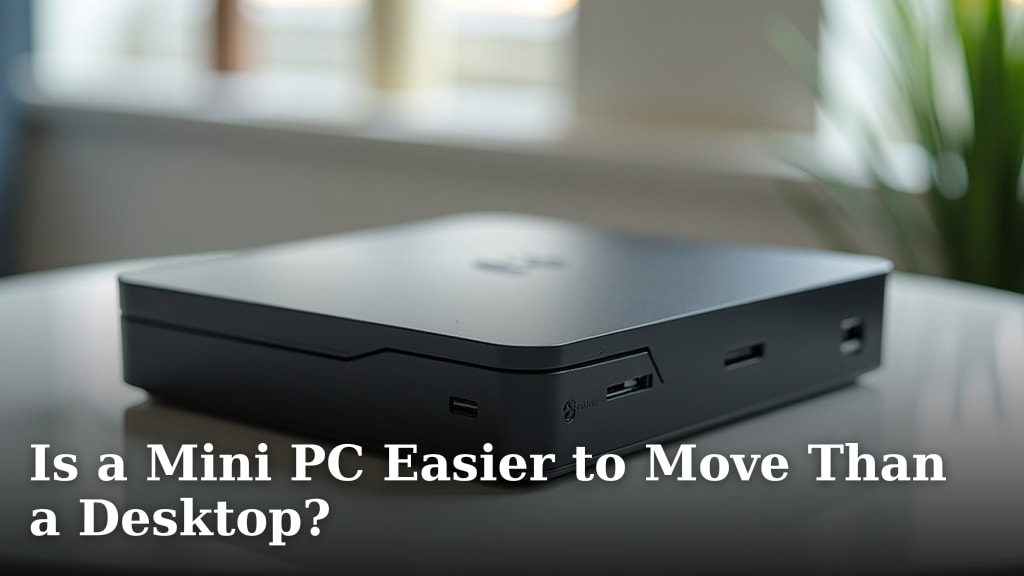
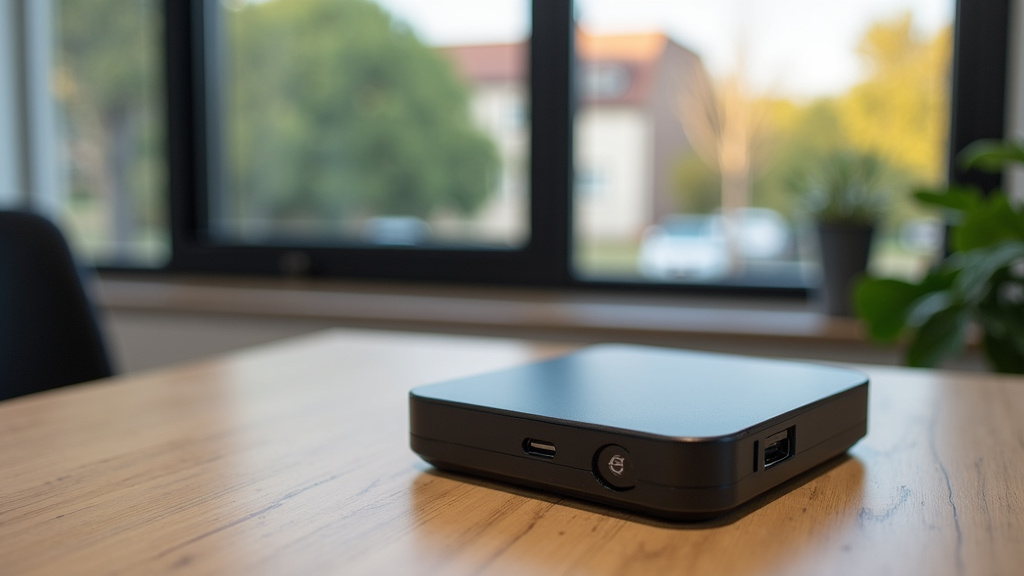
A mini PC is essentially a small desktop computer. It’s compact, often fitting in the palm of your hand. You’ll need to add your own monitor, keyboard, and mouse. This setup gives you a dedicated workspace at your desk. Many students find this more comfortable for long study sessions.
What a Mini PC Offers Students
We found that mini PCs often provide more processing power for your money compared to laptops. Think of it like buying parts for a desktop; you can often get better specs for the same price. This means smoother multitasking for research, writing, and even some light gaming. A mini PC can offer more processing power for your money, as detailed in our guide to what is inside a mini PC.
You’ll also notice that mini PCs usually come with more storage capacity. This is great for large research papers, downloading textbooks, or saving projects. Running out of space can be a real headache when deadlines loom.
The Mini PC Setup: What You Need
Remember, a mini PC is just the computer itself. You will need to purchase these separately:
- Monitor: Any standard computer monitor will work.
- Keyboard and Mouse: Choose what feels comfortable for typing and clicking.
- Operating System: Most mini PCs come with Windows pre-installed, but some offer Linux options.
This might sound like extra cost, but it allows you to customize your setup You can customize your setup with a mini PC, and our guide details the components that come with it.. You can pick a large, high-resolution monitor for better viewing or a comfortable ergonomic keyboard. Many students already have these items from previous computers.
Exploring the Laptop: The Portable Champion
Laptops are the classic student choice for a reason. Their biggest advantage is obvious: portability. You can take your work anywhere – the library, a coffee shop, or even back home for breaks. The built-in screen, keyboard, and trackpad mean everything you need is in one package.
When a Laptop Shines for Students
If your academic life requires you to move around a lot, a laptop is likely your best bet. Think about attending classes where you take notes directly on your device, or collaborating with study groups in different locations. The all-in-one design makes this effortless.
Battery life is another major win for laptops. You can often work for several hours without needing to find a power outlet. This freedom is incredibly useful when you’re on campus all day.
Laptop Downsides to Consider
However, portability often comes at a cost. We found that laptops with comparable specs to mini PCs tend to be more expensive. You’re paying a premium for the compact, integrated design and the battery.
Repairing laptops can also be trickier and more costly. If something breaks, you might need specialized service. With a mini PC, swapping out a faulty component is often much simpler, much like a desktop computer.
Mini PC vs. Laptop: Direct Comparison
Let’s put them side-by-side to see where each excels for student life. We’ll focus on the most important factors for your studies.
Cost: The Upfront Investment
Generally, a mini PC offers better value for the initial purchase price. You can often get a mini PC with good performance for a few hundred dollars. Adding a decent monitor and peripherals can still keep you under the cost of a mid-range laptop. We found that entry-level mini PCs are very budget-friendly.
Laptops, especially those with robust performance or premium features, can quickly cost over $700-$1000. While sales happen, the baseline price for a capable laptop is usually higher.
Performance for Student Tasks
For common student tasks like web browsing, word processing, and accessing online learning platforms, both are perfectly capable. However, if you’re running more demanding software for engineering, graphic design, or video editing, a mini PC might offer more power for your dollar.
We found that many mini PCs come with desktop-grade processors, which can give them an edge. They also tend to have better cooling systems than ultra-thin laptops, allowing them to sustain performance under heavy loads without overheating.
Storage Space: More is More
When comparing similarly priced devices, mini PCs often boast larger storage drives. You might find a mini PC with a 512GB or even a 1TB Solid State Drive (SSD) for the price of a 256GB SSD in a laptop. SSDs are much faster than older Hard Disk Drives (HDDs), meaning quicker boot times and faster program loading.
Portability and Workspace Flexibility
This is where the laptop is the clear winner. Its all-in-one design is unmatched for taking your work on the go. A mini PC requires you to have your monitor, keyboard, and mouse set up wherever you want to use it. It’s best suited for a single, dedicated workspace.
Setup and User Experience
Setting up a mini PC is like setting up any desktop. Plug in your peripherals, turn it on, and you’re usually good to go. Some students prefer the ergonomics of a full-sized keyboard and a large monitor for comfort during long study sessions.
Laptops offer instant access. You open the lid, and you’re ready. However, many users eventually connect their laptops to external monitors and keyboards for a more comfortable desktop experience at home, essentially turning them into a mini PC setup when stationary.
Durability and Longevity
Mini PCs, being stationary, tend to be more durable over time because they aren’t moved around. They are less prone to accidental drops or damage from being tossed into a backpack. The components in a mini PC are also generally easier and cheaper to replace if something fails.
Laptops, while designed to be portable, are still vulnerable. Screen hinges can wear out, keyboards can get damaged, and a fall can be catastrophic. Many experts suggest that for longevity, stationary setups often fare better (Cleveland Clinic).
Power Consumption and Environmental Impact
Mini PCs are typically more energy-efficient than traditional desktop computers and often even some laptops. Their small size means fewer components and less power draw. This can lead to lower electricity bills over time. For students concerned about their environmental footprint, this is a nice bonus.
Making Your Final Choice: A Checklist for Students
To help you decide, ask yourself these questions:
- Do I need to work in different locations on campus daily?
- Is my budget very tight for the initial purchase?
- Do I prefer a dedicated desk setup for focused work?
- How much storage do I think I’ll need for my files and software?
- Am I comfortable buying a monitor and keyboard separately, or do I need an all-in-one?
- Will I be running demanding software that requires sustained performance?
Conclusion
Choosing between a mini PC and a laptop as a student depends on your lifestyle. If you crave a stable, affordable desk setup for focused study and often have access to power, a mini PC is a smart pick. You get more performance and storage for your money. If you need to move between classes, study groups, or coffee shops regularly, the laptop’s portability and built-in battery are unmatched. Reflect on your daily routine and academic needs. Your best choice will support your learning without adding unnecessary stress or cost.
Frequently Asked Questions
Can a mini PC handle online classes and video calls?
Yes, most mini PCs are perfectly capable of handling online classes and video calls. We found they offer enough processing power for common applications like Zoom, Google Meet, and your web browser. Just ensure it has a decent processor and sufficient RAM for smooth performance.
What if I need to upgrade my mini PC later?
Mini PCs are often easier to upgrade than laptops. You can typically replace or add more RAM and storage (like an SSD) yourself. This modularity means your mini PC can grow with your needs without needing a full replacement.
Do I need to buy a separate webcam for a mini PC?
Yes, unlike most laptops that have a built-in webcam, you will need to purchase a separate webcam for your mini PC. This allows you to connect to video calls and online classes. Webcams are readily available and come in many price points.
Is a laptop better if I plan to do light gaming between studies?
For light gaming, both can work, but a mini PC might offer better performance for the price if you choose one with a capable processor and integrated graphics. However, some laptops have dedicated graphics cards that would be superior for gaming. Consider the specific games you play and their system requirements.
How much does a typical mini PC setup cost for a student?
A basic mini PC setup, including the mini PC itself, a monitor, keyboard, and mouse, can often cost between $400 and $700. This price range provides a functional desktop experience that rivals the cost of a mid-range laptop, offering strong value for your budget.