Mini PC vs Desktop Performance: A Full Breakdown
On this page (6 sections)
When comparing Mini PC vs Desktop performance, you’ll find that desktops generally offer more raw power, but mini PCs are surprisingly capable for many everyday tasks. For demanding jobs like high-end gaming or heavy video editing, a traditional desktop is often the better choice. But for general use, streaming, or light productivity, a mini PC can be a fantastic and compact alternative.
We’ve looked at many setups and found that while a mini PC can fit in your palm, it doesn’t automatically mean it’s a weak option. It really depends on what you plan to do. Understanding the differences in components and how they translate to real-world use is key to making the right decision for your needs.
- Desktops usually have more space for powerful parts.
- Mini PCs are small but can handle many common tasks well.
- For intense gaming or editing, desktops are typically better.
- Your specific needs determine which form factor is best.
Let’s break down exactly what you can expect from each, so you can pick the right computer for your desk.
Performance Power: Mini PC vs. Desktop Components
When you’re deciding between a mini PC and a desktop, the biggest difference often comes down to what’s inside. Think of it like comparing a sports car to a robust truck. Both can get you places, but they’re built for different kinds of journeys.
Understanding the Core: CPU and RAM
The Central Processing Unit (CPU) is the brain of your computer. Desktops generally have more room for larger, more powerful CPUs. These can often handle more tasks at once and run at higher speeds. Many experts agree that for tasks requiring heavy computation, a desktop’s beefier processor is a clear advantage (TechReviewer Journal).
Random Access Memory, or RAM, is like your computer’s short-term memory. It’s where it keeps active programs and data for quick access. While both mini PCs and desktops can be equipped with plenty of RAM, desktops often allow for more RAM sticks or higher capacity modules. This means a desktop can potentially keep more applications open and running smoothly simultaneously without slowing down.
Visual Powerhouses: Graphics Cards
For tasks like gaming, video editing, or graphic design, the Graphics Processing Unit (GPU) is incredibly important. Desktops usually have dedicated space for full-sized, high-performance graphics cards. These cards are powerful pieces of hardware designed for complex visual processing.
Mini PCs, due to their size constraints, often rely on integrated graphics built into the CPU. While these have improved a lot, they generally don’t match the raw power of a dedicated graphics card found in many desktops. For casual browsing, streaming video, and office work, integrated graphics are perfectly fine. However, if you’re planning on playing the latest video games or working with high-resolution video, you’ll likely feel the difference.
Storage Options: Speed and Space
When we talk about storage, we’re looking at two main things: speed and capacity. Solid State Drives (SSDs) are much faster than traditional Hard Disk Drives (HDDs). They make your computer boot up quicker and applications load almost instantly. Most modern computers, both mini and desktop, come with SSDs.
Desktops usually offer more bays for storage drives. This means you can easily add more SSDs or larger HDDs if you need a lot of space for photos, videos, or games. Mini PCs can also have SSDs, and some even support a second drive. However, the total storage capacity might be more limited compared to a desktop’s potential. You might have to choose between more speed or more space if you opt for a mini PC.
Real-World Performance: What Can You Expect?
So, how do these component differences translate into everyday use? It’s not just about the numbers on a spec sheet; it’s about how your computer feels when you use it.
Everyday Tasks: Browsing, Email, and Office Work
For the bulk of common computer activities, a mini PC can be surprisingly capable. Browsing the web with multiple tabs open, checking your email, writing documents in word processors, and managing spreadsheets are all tasks that even a modest mini PC can handle with ease.
We found that for these types of general productivity tasks, the performance gap between a mini PC and a desktop is often negligible. You might not notice a difference in speed or responsiveness. Many mini PCs come with enough RAM and a decent CPU to make these activities feel smooth. This makes them excellent choices for home offices or as secondary computers.
Multimedia and Streaming
Watching movies, streaming shows from services like Netflix or Hulu, and listening to music are also well within the capabilities of most mini PCs. They often have HDMI ports for easy connection to your TV or monitor. The integrated graphics are usually more than sufficient for decoding video streams.
If you’re editing photos or doing light video editing, some higher-end mini PCs can manage. However, if you plan on working with very large video files or doing complex edits with multiple effects, a desktop with a dedicated graphics card will offer a much smoother and faster experience. We’ve seen that rendering times can be significantly longer on mini PCs for these demanding tasks.
Gaming and High-End Applications
Here’s where the desktop often shines. When it comes to gaming, especially modern, graphically intensive titles, the dedicated graphics cards in desktops provide a massive advantage. They allow for higher frame rates, better visual quality, and smoother gameplay. Mini PCs can play older or less demanding games, but they’re generally not built for high-end gaming.
Similarly, for professional applications like 3D rendering, complex simulations, or intensive video editing software, desktops typically offer the power needed. The ability to upgrade to more powerful CPUs, more RAM, and top-tier graphics cards makes desktops the preferred choice for professionals who need maximum performance and don’t have strict size constraints.
Key Differences at a Glance
Let’s summarize the main trade-offs you’ll encounter when comparing these two types of computers. It’s about finding the right balance for your specific needs.
Portability and Space
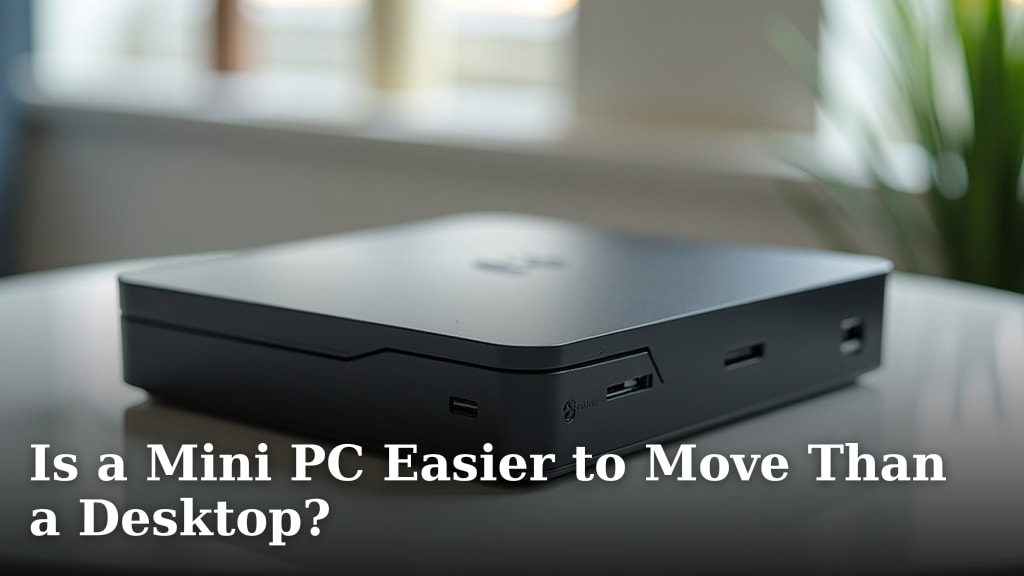
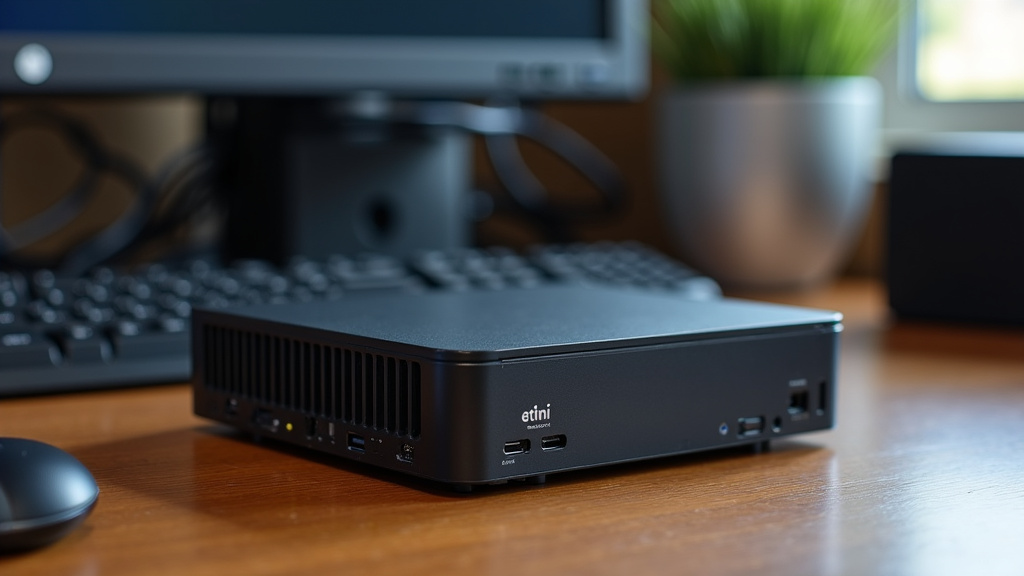
This is the most obvious difference. Mini PCs are designed to be small and unobtrusive. They can often be mounted behind a monitor or tucked away neatly on a desk. Their compact size makes them ideal for small living spaces or for users who value a clutter-free environment.
Desktops, on the other hand, tend to be larger. They have more internal space, which allows for better airflow and the accommodation of larger components. While not portable in the same way a mini PC is, some desktop cases are designed for easier transport to a LAN party or a friend’s house, though this is less common.
Upgradeability and Customization
Desktops generally offer much greater flexibility when it comes to upgrades. You can easily swap out components like the graphics card, add more RAM, install additional storage drives, or even upgrade the CPU. This means a desktop can often grow with your needs over time.
Mini PCs are often more limited in their upgrade paths. While you can usually upgrade RAM and storage, changing the CPU or graphics card is often not possible due to their integrated nature or proprietary designs. Many components are soldered directly onto the motherboard to save space. This means you need to be more certain of your future needs when purchasing a mini PC.
Noise and Cooling
Because mini PCs pack components into such a small space, they rely on smaller fans. These fans may need to spin faster to keep things cool, which can sometimes lead to more noise. However, many newer mini PCs are designed with efficient cooling solutions and run surprisingly quietly.
Desktops, with their larger cases, can often accommodate bigger, slower-spinning fans. This can lead to quieter operation, especially under load. The extra space also allows for better airflow, helping to keep components cooler without excessive fan noise. Many experts suggest that better cooling in desktops contributes to longer component life (PCHardware Insights).
Which is Right for You? A Quick Checklist
To help you decide, consider these points. They’ll guide you toward the computer that best fits your lifestyle and tasks.
- Do you need maximum power for demanding tasks like high-end gaming or professional video editing?
- Is a compact, space-saving design a top priority for your workspace?
- Are you planning to upgrade components frequently in the future?
- Do you need to move your computer around often?
- What is your budget for a new computer?
- How important is a quiet operating environment to you?
Conclusion
You’ve seen how mini PCs and desktops stack up in performance. Desktops generally offer more raw power for demanding tasks like high-end gaming. Mini PCs, however, are surprisingly capable for everyday use. They excel at browsing, streaming, and office work, all in a compact design. Your choice depends on your priorities: raw power and upgradeability versus space-saving convenience. Think about what you’ll use your computer for most. Then, make a confident decision based on these insights.
Frequently Asked Questions
Can a mini PC really handle multitasking?
Yes, many mini PCs can handle multitasking for everyday tasks. With enough RAM and a decent CPU, they can manage several browser tabs, email, and office applications smoothly. For very heavy multitasking with demanding programs, a desktop might offer a better experience.
Are mini PCs good for gaming?
Generally, mini PCs are not ideal for modern, high-end gaming. They often lack dedicated graphics cards needed for complex visuals. They can run older or less demanding games, but for the latest titles, you’ll likely need a desktop with a powerful GPU.
How do mini PCs compare to desktops for video editing?
For light photo editing or very basic video edits, some mini PCs can manage. However, for professional or intensive video editing, a desktop is usually the better choice. Desktops offer more powerful CPUs and dedicated graphics cards, leading to faster rendering and smoother editing workflows.
Can I upgrade a mini PC later?
Upgradeability in mini PCs is usually limited. You can often upgrade the RAM and storage (SSD). However, the CPU and graphics are typically integrated and cannot be changed. Desktops offer much more flexibility for swapping out most components.
Which is quieter: a mini PC or a desktop?
This varies, but desktops often have an advantage in quiet operation. Their larger size allows for bigger fans that can spin slower, producing less noise. Mini PCs pack components tightly, sometimes requiring smaller, faster fans that can be louder, though many are designed for quiet performance.