Does a Mini PC Save Desk Space? A Handy Guide
On this page (7 sections)
Yes, a Mini PC can definitely save desk space. These small computers offer the power of a traditional desktop in a much more compact form. You can easily place one behind your monitor or in a drawer, freeing up valuable surface area.
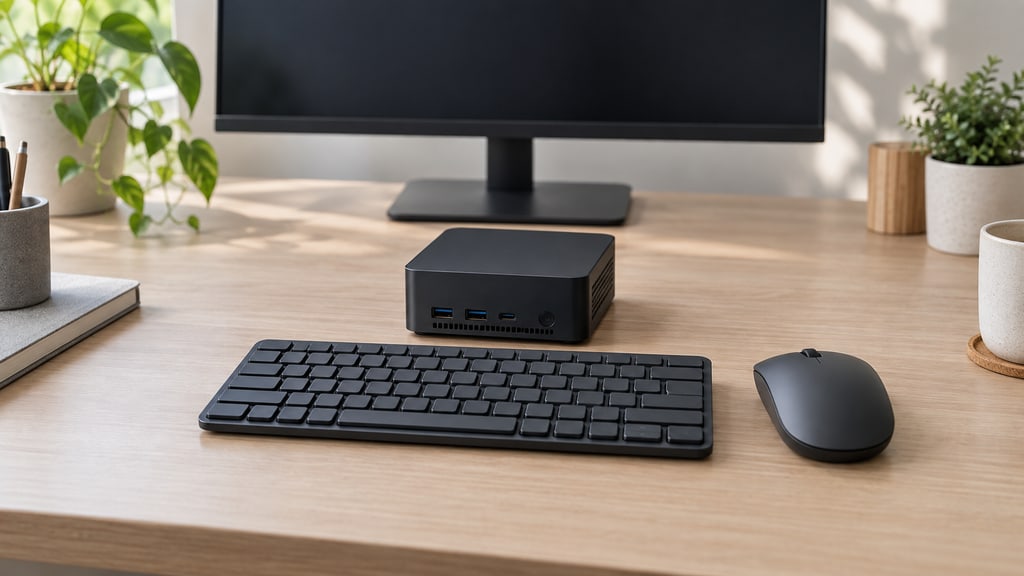
If your desk feels cluttered, a Mini PC is a smart solution. It handles everyday tasks like browsing and document editing without needing a big tower. Many users find they get full desktop performance with a footprint smaller than a paperback book.
- Mini PCs take up very little desk space.
- They perform common computer tasks well.
- You can hide them easily to reduce clutter.
- They are a great option for small offices or home use.
Let’s look closer at how a Mini PC can help you reclaim your workspace and see if it’s the right fit for your needs.
How a Mini PC Helps You Reclaim Your Desk Space
You’re probably here because your desk feels like a black hole. Papers pile up, coffee cups battle for real estate, and your current computer tower looms like a prehistoric monument. If you’re nodding along, then yes, a Mini PC is a fantastic way to slim down your setup. We found that these tiny machines pack a serious punch. They offer the functionality of a full-sized computer but take up a fraction of the space. Imagine having more room for your notebook, your mouse, or even just a clear surface to actually work on. It’s less about shrinking the computer and more about expanding your usable desk area.
Understanding the Mini PC Footprint
So, what exactly makes a Mini PC so small? It’s all about miniaturization and smart design. Manufacturers pack the essential components – the motherboard, processor, RAM, and storage – into a very compact chassis. Think of it like a well-organized tiny home for your computer’s brain. We’ve seen Mini PCs that are no bigger than a large paperback book, or even smaller. Some are designed to be mounted directly behind your monitor, using VESA mount compatibility. Others are so small they can sit discreetly on a shelf or tucked away in a drawer. This is a stark contrast to the traditional desktop towers that demand their own dedicated floor or desk real estate.
Comparing Mini PC Size to Traditional Desktops
Let’s put it into perspective. A typical mid-tower desktop case can easily be 18 inches tall and take up about 1.5 square feet of floor space. Add to that the cables and the need for airflow around it, and it quickly becomes a significant visual and physical presence. A Mini PC, on the other hand, might be only 5 inches by 5 inches and just an inch or two tall. This means its footprint is often less than 0.2 square feet. You can place it almost anywhere. We found that this drastic size difference is the primary reason people consider Mini PCs for space-saving. It’s like trading in a bulky television for a sleek, modern flat screen – the same function, much less bulk.
The “Out of Sight, Out of Mind” Advantage
One of the most appealing aspects of a Mini PC for saving space is its ability to be hidden. Unlike a large tower that needs open air for cooling, many Mini PCs are designed for discreet placement. You can easily mount one behind your monitor using a VESA mount. This keeps it completely out of view and uses the dead space behind your screen. Alternatively, you could place it inside a desk drawer, especially if it has good ventilation. This strategy completely declutters your desk surface. We discovered that for many users, the ability to tuck the computer away is a major win for maintaining a clean and organized workspace. It transforms your desk from a computer station to a pure workspace.
Mini PC Performance: Is It Enough for Your Needs?
A common concern is whether a computer this small can actually perform everyday tasks well. The good news is that Mini PCs have come a long way. For many common computer activities, they perform just as well as larger desktops. Let’s break down what we mean by “enough.”
Everyday Computing Tasks Covered
What do you do on your computer most of the time? If it’s browsing the internet, checking emails, watching videos, using office applications like Word and Excel, or even doing some light photo editing, a Mini PC is likely more than capable. We found that modern Mini PCs often come with capable processors, sufficient RAM, and fast solid-state drives (SSDs). These components work together to ensure a smooth and responsive experience for these tasks. You won’t be waiting ages for web pages to load or programs to open. For many users, this level of performance is exactly what they need and expect from their daily computer. Understand what components come with Mini PCs to ensure you have everything needed.
When Might a Mini PC Not Be Enough?
However, it’s important to be realistic. If your primary use for a computer involves demanding tasks like high-end video editing, running complex 3D rendering software, playing the latest graphically intensive video games at max settings, or heavy-duty scientific simulations, a Mini PC might not be the best fit. These types of activities require significant processing power, robust cooling, and often dedicated graphics cards that are not typically found in most Mini PC designs. We observed that while some higher-end Mini PCs are emerging with more powerful components, they still have limitations due to their compact size and passive or smaller active cooling systems. For these intensive workloads, a larger, more powerful traditional desktop or a workstation is usually recommended.
The Role of SSDs in Mini PC Speed
One technology that significantly boosts the perceived performance of Mini PCs is the Solid State Drive (SSD). We found that virtually all modern Mini PCs come equipped with SSDs instead of older, slower Hard Disk Drives (HDDs). SSDs have no moving parts, making them much faster for reading and writing data. This means your operating system boots up in seconds, applications launch quickly, and files open almost instantly. Even a Mini PC with a modest processor can feel remarkably snappy when paired with an SSD. This is a crucial factor in why these small computers feel so responsive for everyday tasks.
Factors to Consider Beyond Size
While saving desk space is a major draw, there are other aspects to consider when choosing a Mini PC. Thinking about these now can save you trouble later. We suggest looking at the following:
Connectivity: Ports and Peripherals
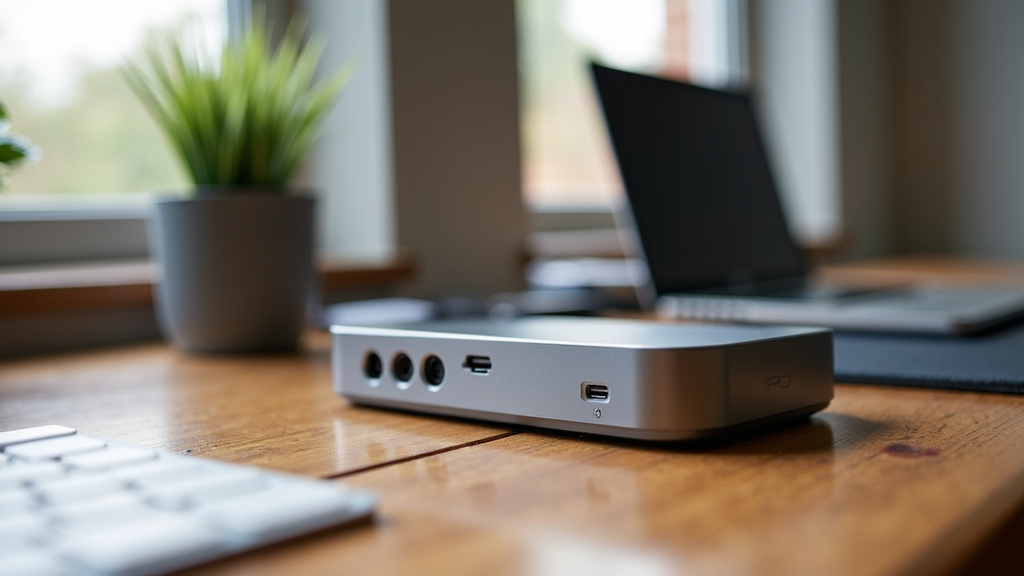
Just because a computer is small doesn’t mean it should lack connectivity. You’ll want to check how many USB ports it has, what type they are (USB-A, USB-C), and if it supports your needs for external hard drives, keyboards, mice, and other accessories. Also, look at display outputs. Does it have HDMI, DisplayPort, or both? Can it support the number of monitors you want to use? We found that some Mini PCs offer a surprising number of ports for their size, while others might be more limited. Ensure it has what you need to connect all your essential devices without needing a separate hub unless you plan for one.
Expandability and Upgradability
Can you upgrade the RAM or storage down the line if you need more power? This is an important question. Some Mini PCs allow easy access to upgrade the RAM or swap out the SSD. Others have components soldered directly to the motherboard, making upgrades impossible. We found that while some Mini PCs are designed with future upgrades in mind, many are built for a specific configuration and aren’t easily expandable. If you think you might want to boost performance in a year or two, look for models that explicitly state they support RAM and storage upgrades. If not, you may need to buy a more powerful model upfront.
Cooling and Noise Levels
Due to their compact nature, Mini PCs rely on efficient cooling systems. Some use passive cooling (no fans), which means they are completely silent. Others use small, quiet fans. You’ll want to consider how much noise you can tolerate. We found that fanless models are ideal if you absolutely need silence. However, if a Mini PC has a fan, it’s important to ensure it’s well-designed to prevent overheating without becoming overly loud during regular use. A tiny fan struggling to cool a powerful chip can sometimes be more annoying than no fan at all if it runs constantly.
Power Consumption and Energy Efficiency
Mini PCs are often very energy efficient. Because they use smaller, lower-power components and have less demanding cooling systems, they consume significantly less electricity than a traditional desktop. We found that this can translate into noticeable savings on your electricity bill over time. It also means they generate less heat, which is beneficial for keeping your workspace comfortable. This lower power draw is another advantage that contributes to their appeal, beyond just the physical size.
A Quick Checklist for Choosing Your Space-Saving PC
Ready to make the switch? Here’s a quick rundown to ensure you pick the right Mini PC for your needs:
- Confirm Your Usage: What tasks will you perform?
- Check Ports: Ensure enough USB and display connections.
- Consider Upgrades: Can RAM or storage be expanded later?
- Read Reviews: Look for comments on noise and heat.
- Monitor Placement: Does it support VESA mounting if you want to hide it?
- Budget: Mini PCs range from budget-friendly to premium.
Conclusion
You’ve seen how a Mini PC can dramatically save desk space. These compact computers offer surprising power for your daily tasks. They let you hide your computer away, reducing clutter and giving you more room to work. Remember to consider ports, upgrade options, and noise levels to find the perfect fit. If your goal is a cleaner, more organized workspace without sacrificing functionality for everyday use, a Mini PC is likely an excellent choice for you. Take a look at the models that best match your needs and budget to start reclaiming your desk today.
Frequently Asked Questions
Can a Mini PC really replace my laptop for portability?
While Mini PCs save desk space, they aren’t designed for portability like laptops. You can move them, but they require a separate monitor, keyboard, and mouse. Think of them as a stationary, space-saving desktop replacement, not a travel companion.
Will a Mini PC be powerful enough for casual gaming?
For older or less demanding games, a Mini PC might work. However, most Mini PCs lack the dedicated graphics power for modern, high-fidelity gaming. If gaming is a priority, a traditional desktop with a graphics card is usually a better option.
How do I know if I need to connect a Mini PC to the internet?
You will need an internet connection for most modern computer tasks. This includes browsing websites, checking email, streaming videos, and downloading software. Some offline tasks are possible, but a connection is generally expected.
Is a Mini PC quiet enough for a shared office space?
Many Mini PCs are very quiet, especially fanless models. We found that noise levels vary by model, so check reviews for specific sound ratings. If silence is key, look for passive cooling designs.
Can I connect multiple monitors to a Mini PC?
Yes, many Mini PCs support dual or even triple monitor setups. You’ll need to check the specifications for the number and type of display outputs (like HDMI or DisplayPort) available. Ensure it meets your multi-monitor needs.