Is a Mini PC a Laptop Without a Screen? The Full Answer
On this page (8 sections)
- Understanding the Difference Between a Mini PC and a Laptop
- Key Differences in Features and Performance
- Why Would Someone Choose a Mini PC?
- When a Laptop Is the Better Choice
- How to Decide What You Need
- Real-World Scenarios: Where Each One Shines
- Final Thoughts Before You BuyConclusion
- Frequently Asked Questions
A mini PC is not a laptop without a screen. It is a separate type of desktop computer that is small enough to hold in your hand. A laptop is a single, portable unit with a built-in screen, keyboard, and battery.
Many people confuse them because of their small size. A mini PC is a full computer that you must connect to your own monitor, keyboard, and mouse. It is more like a tiny desktop tower you can hide behind a display.
- A laptop is an all-in-one device with its own screen, keyboard, and battery.
- A mini PC is a small box that requires external parts to work.
- Mini PCs often use less power and are very quiet.
- You can mount a mini PC behind a monitor for a clean setup.
- They are great for saving space or as a home media center.
So, is a mini PC the right choice for you, or should you stick with a traditional laptop? Below, we break down exactly how a mini PC compares to a laptop and who each one is best for.
Understanding the Difference Between a Mini PC and a Laptop
A mini PC is a complete computer system that is much smaller than a traditional desktop tower. It is not a laptop missing its screen. A laptop is an all-in-one device that includes the screen, keyboard, and battery. You can use it anywhere. A mini PC needs you to attach your own monitor, keyboard, and mouse. It is more like a tiny brain for a desktop setup.
Many people see the small size and think of a laptop without a screen. But that is not accurate. A laptop is designed for portability. A mini PC is designed to save space and be tucked away. They serve different purposes, even though both are computers.
What Exactly Is a Mini PC?
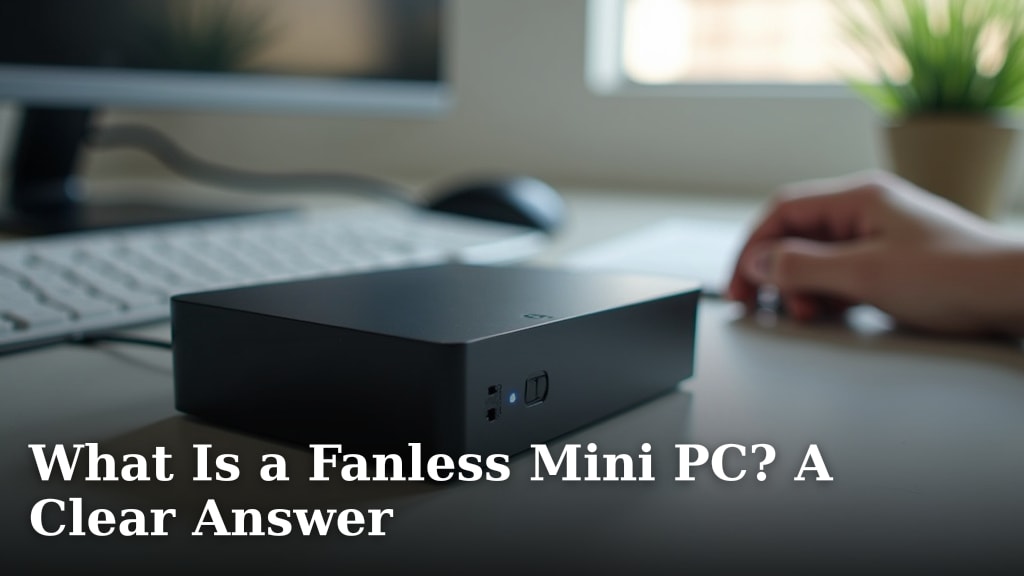
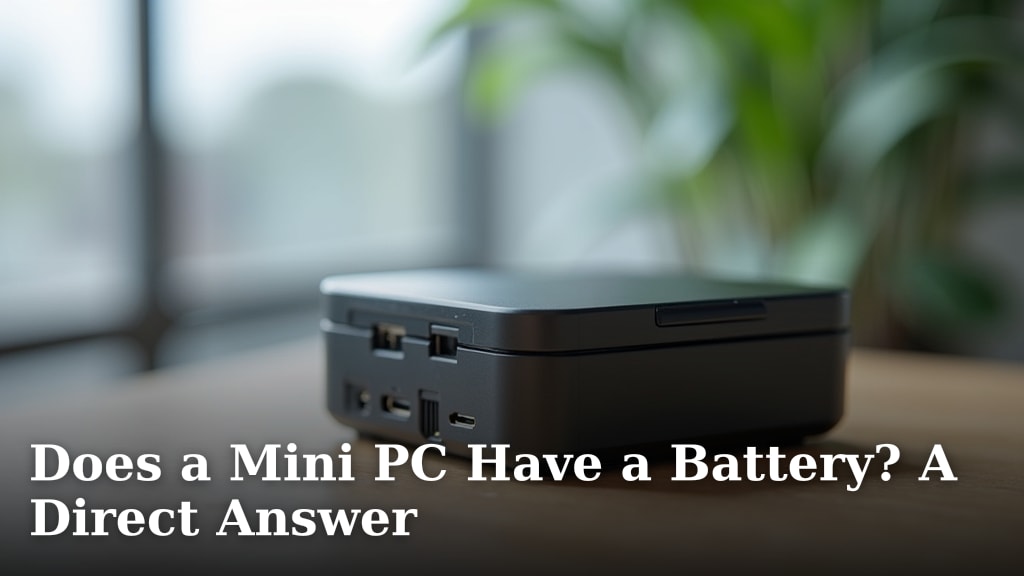
A mini PC is a small, box-shaped computer. It contains all the core components you find in a regular computer. This includes a processor, memory, storage, and ports. But it does not come with a built-in display or keyboard. You must connect those yourself. Think of it as a desktop computer that fits in the palm of your hand.
These devices are often very quiet and use less power. They are popular for home offices, media centers, and digital signage. You can even mount one behind a monitor to create a clean, all-in-one look. According to reports from tech analysis sites, many mini PCs are about the size of a paperback book or a thick deck of cards.
Key Components Inside a Mini PC
Inside that small box, you find everything needed to run an operating system. It has a CPU (the brain), RAM (short-term memory), and storage like an SSD or hard drive. It also has ports for USB, HDMI, and internet connections. The cooling is usually handled by small fans or even passive heat sinks. Many models are designed to be energy efficient.
- CPU: The processor that performs all tasks.
- RAM: Memory for running multiple programs at once.
- Storage: Where your files and programs are saved.
- Ports: Connections for your monitor, keyboard, mouse, and other devices.
- Cooling System: Keeps the components from overheating.
How Is a Laptop Different?
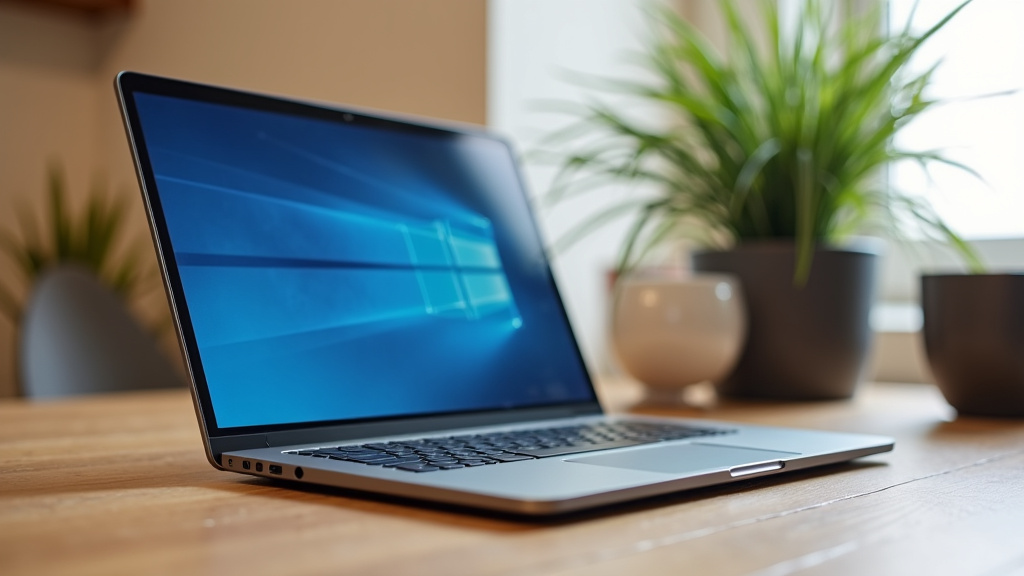
A laptop is a portable computer built into a single unit. It has a screen attached by a hinge. It has a keyboard and a trackpad built into the base. It includes a battery so you can use it without being plugged in. This all-in-one design makes it easy to pick up and take with you. You can work from a coffee shop, a library, or your couch.
Laptops are designed for mobility. They are generally more expensive for the same performance level compared to a mini PC or desktop. This is because they include a screen, battery, and compact components that cost more. If you need to travel with your computer, a laptop is the clear choice.
Key Differences in Features and Performance
Let’s look at the main differences side by side. This will help you decide which is better for your needs. We found that the choice often comes down to portability versus space and value.
| Feature | Mini PC | Laptop |
|---|---|---|
| Portability | Not portable. Stays in one place. | Very portable. Built to travel. |
| Built-in Screen | No. You must connect an external monitor. | Yes. Integrated display. |
| Power Source | Needs a constant power outlet. | Runs on a rechargeable battery. |
| Upgradeability | Often easy to upgrade RAM and storage. | Harder to upgrade. Some parts are fixed. |
| Size | Very small. Can be hidden behind a display. | Larger. Includes screen and keyboard. |
| Typical Use | Home office, media center, point-of-sale. | Work, school, travel, general use. |
Performance and Power
A mini PC can have a powerful processor, but it often runs slightly slower than a laptop or desktop with the same chip. This is due to cooling limitations. The small case makes it hard to move heat away from the processor. However, for everyday tasks like web browsing, streaming video, and office work, most mini PCs are more than fast enough. We found that many modern mini PCs use low-power CPUs to stay cool and quiet.
Laptops have similar performance constraints because they are also compact. High-performance laptops get hot and their fans can be loud. A mini PC on your desk can have better airflow if it is not enclosed in a cabinet. For most users, the performance difference is small. It is more about how you plan to use the machine.
Gaming and Intensive Tasks
Neither a mini PC nor a typical laptop is the best choice for high-end gaming. Both can get hot and may not have the best graphics power. However, some mini PCs can be equipped with dedicated graphics cards for light gaming. Laptops designed for gaming are a different category altogether. They are bigger, heavier, and more expensive. If you want to play the latest games, a full-size desktop or a gaming laptop is a better fit.
Why Would Someone Choose a Mini PC?
Mini PCs are great for people who want to save space. They are also good for certain specific uses. If you have a small desk or want a clean setup, a mini PC is ideal. You can mount it behind a monitor. This makes it look like an all-in-one computer without the high cost.
They are also popular as home theater PCs. You can connect one to your TV to stream movies and shows. Many models have low power consumption. This means they use less electricity and are cheaper to run over time. For businesses, mini PCs are used in kiosks and for digital signage. They are reliable and easy to manage.
Common Uses for a Mini PC
- Home Office: A compact computer that saves desk space.
- Media Center: Connects to your TV for streaming.
- Point-of-Sale System: Used in stores for transactions.
- Home Server: Stores files and shares them on your network.
- Digital Signage: Powers screens in shops or offices.
When a Laptop Is the Better Choice
A laptop is the right choice if you need to take your computer with you. If you travel for work or study, you cannot beat the portability. A laptop has its own screen, keyboard, and battery. You can use it anywhere with a power source or on battery power. For many people, this is the most important factor.
Laptops are also good if you want a simple, all-in-one solution. You do not need to buy a separate monitor, keyboard, or mouse. Everything is included. While they may cost more than a mini PC of similar power, the convenience is often worth it. Many students and professionals rely on laptops every day.
Are Mini PCs and Laptops the Same Inside?
The internal parts can be similar, but they are not identical. Mini PCs often use processors designed for low power consumption. Laptops use mobile processors that balance performance and battery life. The cooling systems are different too. Laptops have to be thin, so their cooling is more constrained. Mini PCs can sometimes have a bit more room for airflow.
Storage and memory upgrades are often easier on a mini PC. Many models have removable panels. You can add more RAM or a bigger hard drive. Laptops sometimes have soldered parts that cannot be changed. This makes a mini PC a better choice if you want to upgrade later.
How to Decide What You Need
Ask yourself a few simple questions. Do you need to carry your computer around? If yes, a laptop is the answer. Do you have a small space and want to keep your desk tidy? A mini PC might be better. Do you plan to use your computer for heavy gaming or video editing? Neither may be ideal, but a laptop with good specs could work.
Your budget matters too. Mini PCs are often cheaper for the same performance. But remember, you will need to buy a monitor, keyboard, and mouse separately. A laptop includes those items. Add up the total cost before you decide. Many people find that a mini PC is a great value for a home office.
Checklist: Which Device Is Right for You?
Use this checklist to help you decide. Check the items that are most important to you.
- Portability: Do you need to use your computer in different places?
- Space: Do you have a small desk or limited room?
- Budget: Are you looking for the best value for your money?
- Upgradeability: Do you want to easily add more memory or storage later?
- All-in-One Convenience: Do you prefer a single device with no extra parts?
- Power Consumption: Are you concerned about electricity costs?
Real-World Scenarios: Where Each One Shines
Let’s look at some real examples. Imagine you are a writer who works from home. You have a small desk. You might choose a mini PC and mount it behind a monitor. This gives you a clean, powerful setup without taking up much space. On the other hand, if you are a student who goes to class, a laptop is much more practical. You can carry it in your backpack.
We found that mini PCs are often chosen by people who want a home media center. They connect one to their TV and use it for streaming. Laptops are chosen by people who need to work from different locations. Both are good at their jobs. The key is to match the device to your lifestyle.
Pros and Cons at a Glance
Here is a quick summary of the advantages and disadvantages. This will help you see the trade-offs clearly.
- Mini PC Pros: Saves space, quiet, low power use, easy to hide.
- Mini PC Cons: Not portable, needs external monitor, less flexible.
- Laptop Pros: Highly portable, all-in-one, battery-powered, convenient.
- Laptop Cons: More expensive for same performance, harder to upgrade, less repairable.
Final Thoughts Before You BuyConclusion
A mini PC is a powerful, space-saving computer, but it is not a laptop without a screen. It is a different category of device altogether. You connect your own monitor and peripherals to create a customized desktop setup. A laptop is a self-contained, portable unit with everything built in. The right choice depends entirely on your needs. If you value portability and convenience, a laptop is for you. If you want a quiet, compact computer for a fixed location, a mini PC is an excellent option. We recommend deciding based on where and how you plan to work.
Frequently Asked Questions
Can I use a mini PC as my main computer for work?
Yes, absolutely. A mini PC is a full computer and can handle everyday tasks like web browsing, email, and office applications. You will need to connect your own monitor, keyboard, and mouse. It makes a fantastic, quiet, and space-efficient desktop for a home office.
Do mini PCs come with Windows or other software installed?
Many mini PCs are sold with Windows 10 or 11 pre-installed, just like a laptop or desktop. Some models may come without an operating system, requiring you to install one yourself. Always check the product description before you buy to know what software is included.
How do I connect a mini PC to my TV?
Simply use the HDMI port on the mini PC and connect it to an HDMI port on your TV. You will need an HDMI cable. Once connected, you can use the TV as your monitor, perfect for a home media center or streaming setup.
Is a mini PC less powerful than a laptop?
Not necessarily. Performance depends on the specific components like the processor and RAM. You can find powerful mini PCs that rival mid-range laptops. However, the small case can limit cooling, which may affect performance during very intense tasks compared to larger devices.
Can I upgrade the parts in a mini PC later?
Often, yes. Many mini PCs are designed to be user-upgradeable. You can typically add more RAM or replace the storage drive with a larger one. This is a key advantage over some laptops, where components may be permanently soldered in place.