Mini PC vs Desktop Computer: How They Compare
On this page (10 sections)
- Mini PC vs. Traditional Desktop: What’s the Real Difference?
- Size and Space: Where Do They Fit?
- Performance and Power: What Can They Handle?
- Upgradeability and Customization: Building Your Dream Machine
- Connectivity and Ports: Plugging Everything In
- Power Consumption and Noise: The Eco-Friendly Factor
- Cost: What’s Your Budget?
- Who is Each Type For? A Quick Checklist
- Conclusion
- Frequently Asked Questions
When comparing a mini PC vs desktop computer, the best choice for you depends entirely on your needs. Mini PCs are generally smaller and more power-efficient. Traditional desktops offer more power and expandability for demanding tasks.
Many shoppers wonder if a tiny mini PC can really do the job of a full-sized computer. We found that for everyday use like browsing, email, and streaming, mini PCs are surprisingly capable. But if you’re a gamer or a creative professional, a desktop often still holds the advantage for performance and upgrade options.
- Mini PCs are compact and use less energy.
- Desktops provide more power and customization.
- Your primary use case dictates the better option.
- Consider your space and performance needs carefully.
Let’s dive into the key differences so you can decide which type of computer is the right fit for your home or office.
Mini PC vs. Traditional Desktop: What’s the Real Difference?
When you’re shopping for a new computer, you’ll quickly see two main categories: mini PCs and traditional desktop computers. It can feel a bit confusing. You might wonder if a tiny box can really do what a bigger tower can. We’ve looked into this, and the answer is often yes, but with some important trade-offs.
Let’s break down how these two types of computers stack up against each other. This will help you figure out which one fits your life best. Think of it like choosing between a powerful, expandable toolbox and a sleek, portable toolkit. Both have their strengths.
Size and Space: Where Do They Fit?
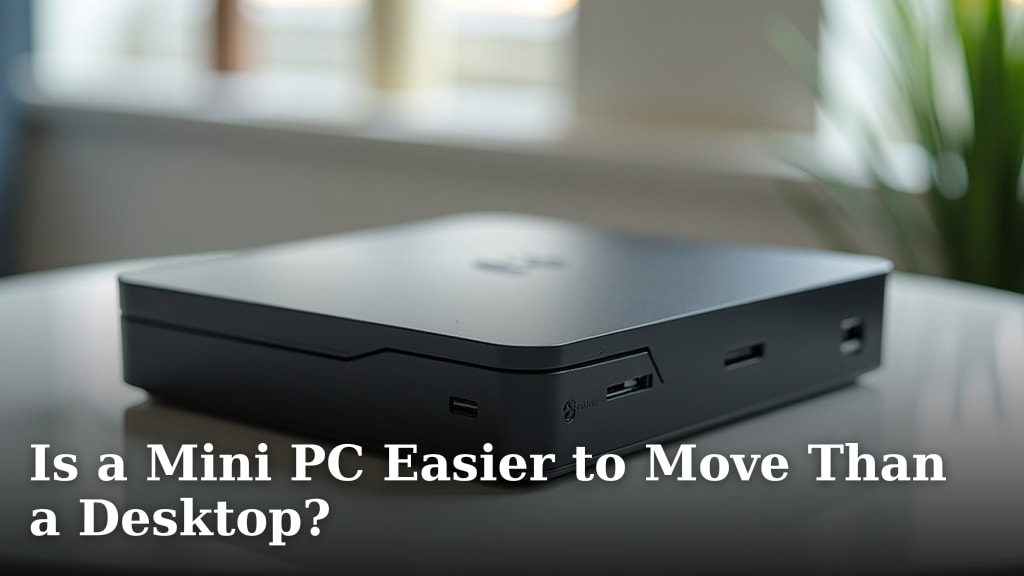
The most obvious difference is size. Mini PCs are, as the name suggests, very small. They often look like a thick book or a small external hard drive. You can easily tuck them away behind a monitor. Some even have VESA mounts to attach directly to the back of your screen. This saves a ton of desk space. It’s a great option if you have a small apartment or a tidy office.
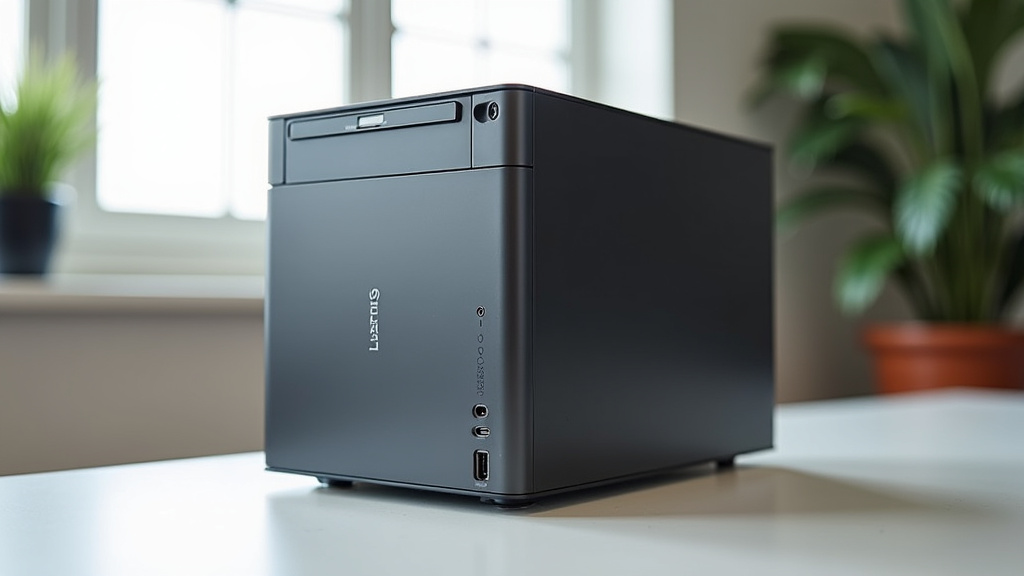
Traditional desktop computers are much larger. They typically come as a tower, which sits on your desk or on the floor. This takes up considerably more room. If you have a dedicated workspace or plenty of open desk area, a desktop might not feel so imposing. But if space is tight, a mini PC is a clear winner here. We found that for many users, the saved space is a major selling point.
Performance and Power: What Can They Handle?
This is where things get interesting. Mini PCs have gotten a lot more powerful over the years. Many can handle everyday tasks like web browsing, email, streaming movies, and even light office work with ease. For these common uses, the performance difference might not be noticeable to you.
However, traditional desktops generally offer more raw power. They have more room for larger, more powerful processors and graphics cards. They also have better cooling systems. This means they can often handle demanding tasks like heavy video editing, 3D rendering, and high-end gaming much better. If you push your computer hard with intensive software, a desktop is usually the way to go. We found that for professionals and serious gamers, the extra power is non-negotiable. Understanding mini PC components helps clarify performance differences with desktops.
The Heart of the Machine: Processors and Graphics
Mini PCs often use mobile versions of processors. These are designed to be power-efficient, which is great for their small size. But they might not have the same punch as the desktop-grade CPUs. Similarly, while some mini PCs have dedicated graphics chips, they are usually less powerful than the ones found in gaming desktops.
Desktops can accommodate larger, more powerful processors and graphics cards. They also benefit from better airflow. This allows these components to run at higher speeds for longer without overheating. Research suggests that advanced cooling is key to sustained high performance (AnandTech). This is why a desktop often wins for graphics-intensive work.
Memory and Storage Options
When it comes to memory (RAM) and storage (like SSDs or HDDs), both types of computers offer options. However, desktops typically offer more flexibility and capacity. You can often install more RAM or more hard drives in a desktop. There’s just more physical space inside the tower.
Mini PCs are more limited. They might have their RAM soldered to the motherboard, meaning you can’t upgrade it. Storage options are also usually restricted to one or two drives. If you need a lot of space for large files or want the option to expand later, keep this in mind.
Upgradeability and Customization: Building Your Dream Machine
This is a major win for traditional desktops. They are designed with upgradeability in mind. You can often swap out components like the graphics card, add more RAM, or upgrade your storage with relative ease. This means you can keep your desktop up-to-date for longer or tailor it precisely to your needs. It’s like having a Lego set for computer enthusiasts.
Mini PCs are much harder to upgrade. Because they are so compact, components are often integrated or very difficult to access. While you might be able to swap out an SSD or add RAM in some models, it’s usually not as straightforward as with a desktop. For most users, a mini PC is a buy-it-as-is type of purchase. You choose the configuration you need upfront.
Connectivity and Ports: Plugging Everything In
Both mini PCs and desktops offer a range of ports for connecting your peripherals. You’ll find USB ports, HDMI or DisplayPort for monitors, and audio jacks on both. However, desktops generally provide more of them. If you have a lot of devices to connect – printers, external drives, webcams, and multiple monitors – a desktop might offer more convenience.
Mini PCs usually have fewer ports due to their size constraints. You might need to rely on a USB hub if you have many accessories. We found that for users with a minimalist setup, the port selection on a mini PC is often sufficient. But for power users with lots of peripherals, a desktop’s abundance of ports is a big plus.
Power Consumption and Noise: The Eco-Friendly Factor
Mini PCs are typically much more power-efficient than desktops. They use smaller components designed for lower energy use. This can translate to lower electricity bills over time. They also tend to be quieter. Their smaller fans and less powerful components generate less heat and noise. Many mini PCs are nearly silent, which is fantastic for a quiet workspace.
Traditional desktops, especially those with powerful components, consume more electricity. Their larger fans and cooling systems can also be more audible. If you’re concerned about your carbon footprint or prefer a truly silent computing experience, a mini PC has an edge. Many studies show that energy efficiency is a growing concern for consumers (Energy Star). Mini PCs generally perform well in this regard.
Cost: What’s Your Budget?
The cost can vary widely for both types of computers. You can find very cheap mini PCs and very expensive ones, and the same goes for desktops. However, for comparable performance levels, a mini PC might sometimes be slightly less expensive because of its simpler components and smaller size.
That said, if you’re looking for the absolute highest performance, a powerful desktop will likely cost more than a high-end mini PC. It’s important to compare specifications and prices directly based on your needs. Don’t assume one is always cheaper than the other. We found that budget is often tied more closely to the specific components inside rather than the form factor itself.
Who is Each Type For? A Quick Checklist
To help you decide, think about your typical computer use. Here’s a simple way to look at it:
- You might prefer a Mini PC if:
- You have limited desk space.
- You primarily browse the web, stream video, and do basic office tasks.
- You want a quiet computer.
- You value portability and a minimalist setup.
- Energy efficiency is a top priority.
- You might prefer a Desktop Computer if:
- You need maximum performance for demanding tasks like gaming, video editing, or graphic design.
- You plan to upgrade your computer components in the future.
- You need to connect many peripherals and devices.
- You have ample space for a larger tower.
- You want the widest range of component choices.
Ultimately, the choice between a mini PC and a desktop comes down to your personal needs and preferences. Both have come a long way. Modern mini PCs can handle a surprising amount of work. But for raw power and future flexibility, the traditional desktop still holds its ground.
Conclusion
You’ve seen how mini PCs and traditional desktops stack up. A mini PC is ideal for saving space and handling everyday tasks efficiently. They offer a quiet, energy-saving experience. If you need raw power for gaming, creative work, or future upgrades, a desktop computer remains the top choice. Both have their place, and your specific needs should guide your decision. Take a moment to review your common computer uses and your available space. Then, you can confidently pick the computer that best suits your lifestyle.
Frequently Asked Questions
Can a mini PC replace my old desktop for all my needs?
For most common tasks like browsing, email, and streaming, a modern mini PC can absolutely handle it. However, if you regularly use demanding software for gaming, video editing, or graphic design, you might find its performance limited compared to a desktop. We found that your primary use case is the biggest factor.
Are mini PCs really quieter than desktops?
Yes, generally they are. Mini PCs use smaller components and fans designed for lower power consumption and heat. This often results in a much quieter operation, making them excellent for a focused workspace. High-performance desktops, especially gaming rigs, often have larger, louder cooling systems to manage heat.
How much more power do desktops really offer?
Desktops usually offer more raw processing and graphics power because they have space for larger, more robust components and better cooling systems. This allows them to sustain higher performance levels for intensive tasks like 3D rendering or running the latest video games smoothly. Mini PCs often use mobile-grade processors and integrated graphics, which are less powerful.
Is it worth buying a mini PC if I plan to upgrade later?
If future upgrades are a major consideration for you, a traditional desktop is likely a better investment. Desktops are designed for easy component swapping, like graphics cards or RAM. Mini PCs are much more limited in their upgradeability, with many components being integrated or hard to access, so you’ll want to buy the configuration you need upfront.
Can a mini PC connect to multiple monitors?
Many modern mini PCs can indeed support multiple monitors, often through HDMI or DisplayPort outputs. However, the exact number of displays and their resolution support will vary by model. If you need to drive many high-resolution displays, a desktop might offer more options and bandwidth.