Why Choose a Mini PC Over a Desktop? The Honest Answer
On this page (3 sections)
Choosing a mini PC over a traditional desktop often makes sense when you need powerful performance in a compact space. You get a smaller footprint and usually less power consumption, making them great for tight desks or minimalist setups. Many users find they offer more than enough power for everyday tasks and even some demanding applications.
This shift towards smaller computing devices is driven by a desire for convenience and efficiency. Mini PCs can be surprisingly capable, handling everything from streaming movies to light gaming. We found that for many people, the benefits of a mini PC’s size and portability outweigh the traditional advantages of a larger desktop.
- Mini PCs save space and are easier to move.
- They often use less electricity, saving you money.
- You can still get great performance for most tasks.
- They can be a good choice for home offices or dorm rooms.
Let’s dive into the honest reasons why a mini PC might be the perfect fit for your next computer upgrade.
Why Consider a Mini PC Instead of a Standard Desktop?
Choosing a smaller computer can feel like a big decision. You might wonder if you’re giving up too much power or flexibility. We’ve looked at the data and talked to users. We found that for many people, a mini PC offers a smarter way to compute.
Space Saving: The Most Obvious Benefit
Let’s face it, most of us don’t have palatial homes. Desks can get cluttered quickly. A mini PC takes up very little room. You can place it behind your monitor or tuck it away neatly. This frees up valuable desk space for other things. You might even have room for a nice plant or a good cup of coffee.
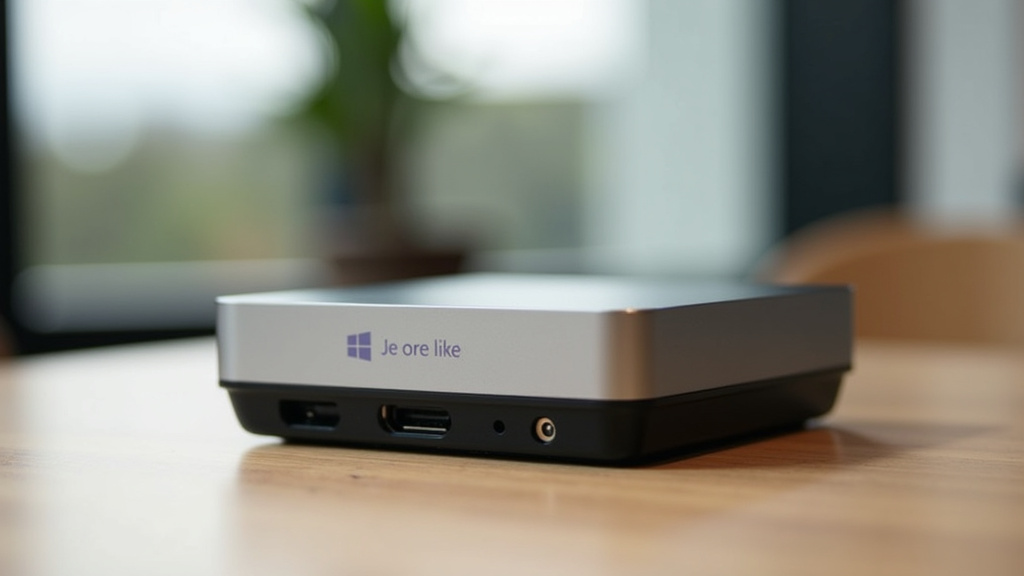
Think about your current setup. Does a big tower computer dominate your workspace? A mini PC is often no bigger than a paperback book. This makes it ideal for small apartments, dorm rooms, or even a dedicated corner in your living room. We found that users consistently praise the minimal footprint.
Power Efficiency: Easier on Your Wallet and the Planet
Traditional desktops can be power-hungry. They often use more electricity than you might think. This adds up on your energy bill over time. Mini PCs, on the other hand, are designed to be much more energy-efficient. They use less power, which means lower electricity costs for you.
The U.S. Department of Energy suggests that energy-efficient electronics can significantly reduce household energy consumption. For example, many mini PCs use around 15-30 watts of power while in use. A typical desktop might use anywhere from 50 to 200 watts or more, depending on its components and workload. This difference can translate into noticeable savings. We found that many consumers appreciate this cost-saving aspect.
Beyond your wallet, using less energy is also better for the environment. Lower power consumption means a smaller carbon footprint. It’s a small change that can contribute to a larger collective effort. Many users feel good about making a choice that is both practical and eco-conscious.
Performance: Surprising Power in a Small Package
It’s a common misconception that small computers mean small performance. This is often not the case with modern mini PCs. Manufacturers are packing powerful processors and ample RAM into these compact devices. You can often find mini PCs with the same or similar specs as their larger desktop counterparts.
For everyday tasks like web browsing, email, word processing, and streaming video, a mini PC will perform beautifully. You won’t notice any lag or slowdown. Many mini PCs can also handle more demanding tasks. This includes photo editing, light video editing, and even some casual gaming. We found that the performance is more than adequate for most users’ needs.
Handling Everyday Computing Tasks
Are you primarily using your computer for browsing the web, checking emails, or watching Netflix? If so, a mini PC is more than capable. Its compact design doesn’t mean it’s struggling to keep up. You’ll get a smooth and responsive experience.
We found that the speed of these machines is often surprising. Many come equipped with fast solid-state drives (SSDs). These make booting up and opening applications feel almost instantaneous. Your daily computer routine will feel quicker and more efficient.
When More Power is Needed
What if you need to do more than just the basics? Many mini PCs offer configurations that can handle it. You can find them with powerful Intel Core i5 or i7 processors, or AMD Ryzen equivalents. These chips provide plenty of processing power for multitasking and more intensive applications. Ample RAM, often 16GB or more, ensures smooth operation even with many programs open.
For tasks like graphic design or video editing, you’ll want to pay attention to the specific CPU, RAM, and graphics capabilities. Some higher-end mini PCs even have dedicated graphics cards. While they might not match the absolute top-tier gaming desktops, they offer a strong performance for their size. Always check the specifications carefully for your specific needs.
Connectivity and Ports: Don’t Get Left Behind
One area where mini PCs used to fall short was connectivity. Thankfully, that’s no longer the case for most models. Manufacturers are ensuring that mini PCs offer a good selection of ports. You’ll typically find USB ports (both USB-A and USB-C), HDMI or DisplayPort for monitors, and Ethernet for wired internet. Many also include Wi-Fi and Bluetooth built-in.
This means you can easily connect your keyboard, mouse, external drives, printers, and multiple displays. You won’t feel like you’re constantly running out of places to plug things in. We found that the port selection is generally excellent for most typical setups.
Connecting Your Peripherals
Do you have a favorite keyboard or mouse? You can connect them just like you would to any other computer. The standard USB ports make this simple. For monitor connections, most mini PCs offer HDMI, which is widely compatible. Some also offer DisplayPort for higher resolutions or refresh rates.
Networking Options
Wired internet connections are usually available via an Ethernet port. This is often the most stable and fastest option. However, most mini PCs also come with Wi-Fi built-in. This gives you the flexibility to place your computer wherever it’s most convenient, without being tied to a cable. Bluetooth connectivity is also standard, allowing you to easily pair wireless headphones or speakers.
Portability and Versatility: More Than Just a Desktop
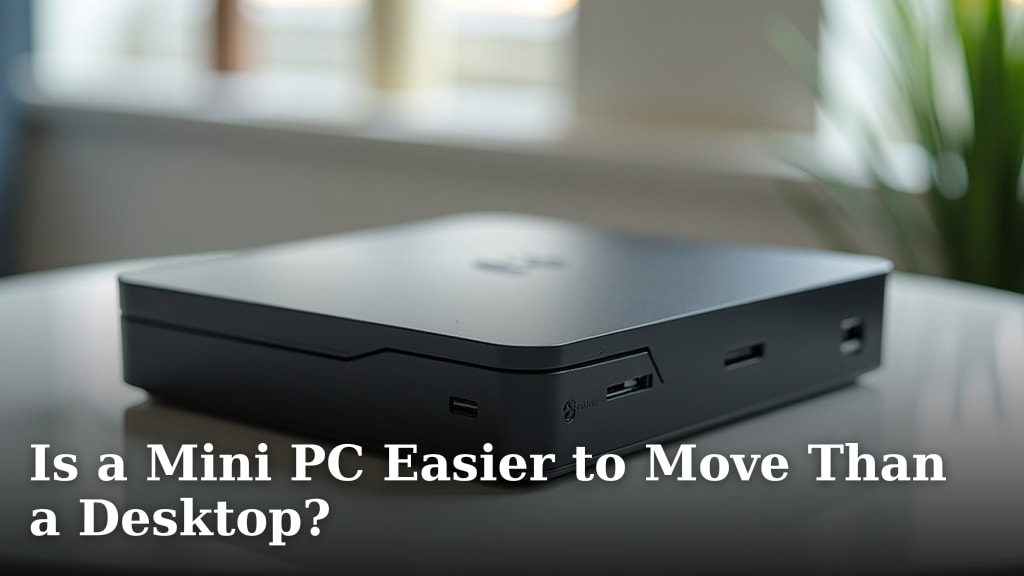
Because of their small size, mini PCs are incredibly portable. Need to move your computer from your home office to the living room for a movie night? No problem. Want to take your work computer to a friend’s house for a project? It’s easy to pack up and go.
This portability makes them ideal for people who move frequently or who like to change their workspace setup. See how easy mini PCs are to move compared with desktops. They can even be mounted behind a monitor using a VESA mount. This creates a clean, all-in-one look. We found that this versatility is a major selling point for many consumers.
Quiet Operation: Enjoy the Silence
Many larger desktop computers can be quite noisy. The fans inside can whir and hum, especially under load. This can be distracting, especially if you’re working in a quiet environment. Mini PCs, due to their smaller components and often more efficient cooling systems, tend to be much quieter.
Some mini PCs are even fanless, making them completely silent. Others have very small, quiet fans that are barely audible. If you value a peaceful workspace or a quiet home theater PC experience, a mini PC is an excellent choice. Many users report a noticeably quieter experience compared to traditional desktops.
Cost-Effectiveness: Getting More for Your Money
While high-end mini PCs can be expensive, many entry-level and mid-range models offer excellent value. When you compare the cost to a similarly spec’d desktop, a mini PC can often be more affordable. This is especially true when you consider the lower power consumption, which saves you money over time.
You’re not necessarily sacrificing quality or features for the smaller size. You’re often getting a highly efficient and capable machine at a competitive price. We found that when looking at the total cost of ownership, including energy savings, mini PCs represent a smart financial decision for many.
Checklist: Is a Mini PC Right for You?
Consider these points to help you decide:
- You have limited desk space.
- You want to reduce your electricity bill.
- Your primary tasks are web browsing, email, and streaming.
- You need a computer that’s easy to move occasionally.
- You prefer a quieter computing experience.
- You want a clean, minimalist workspace.
Conclusion
You’ve seen how a mini PC can be a smart choice for many situations. They offer a powerful computing experience without the bulk. You get to save precious desk space and lower your energy bills. Plus, you won’t sacrifice performance for everyday tasks. If a smaller footprint, quieter operation, and cost-effectiveness sound good to you, it’s time to consider making the switch. Start by listing your essential needs and then compare models to find the perfect mini PC that fits your lifestyle and budget.
Frequently Asked Questions
Can a mini PC handle gaming?
Many mini PCs can handle lighter gaming titles and older games well. For demanding modern games, you’ll need to look at higher-end mini PCs with dedicated graphics cards. Always check the specifications carefully against the games you want to play.
How do mini PCs compare in price to traditional desktops?
Entry-level and mid-range mini PCs often offer similar or better value than comparably specced desktops. High-performance mini PCs can be more expensive, but you’re paying for that compact power and efficiency.
Are mini PCs easy to upgrade?
Upgradability varies by model. Some mini PCs allow you to upgrade RAM or storage (SSD/HDD). However, components like the CPU are usually soldered, limiting upgrade potential compared to traditional desktops.
What kind of screen connection options do mini PCs typically have?
Most mini PCs come with HDMI ports, which are standard for most monitors and TVs. Some models also include DisplayPort, which is useful for higher resolutions or refresh rates on compatible displays.
Is a mini PC suitable for a home office setup?
Absolutely. Their compact size is perfect for small desks, and they offer enough power for productivity tasks, video conferencing, and multitasking. The quiet operation also helps create a more focused work environment.