What Makes a Computer a Mini PC? What You Should Know
Defining the Mini PC: Size and Function
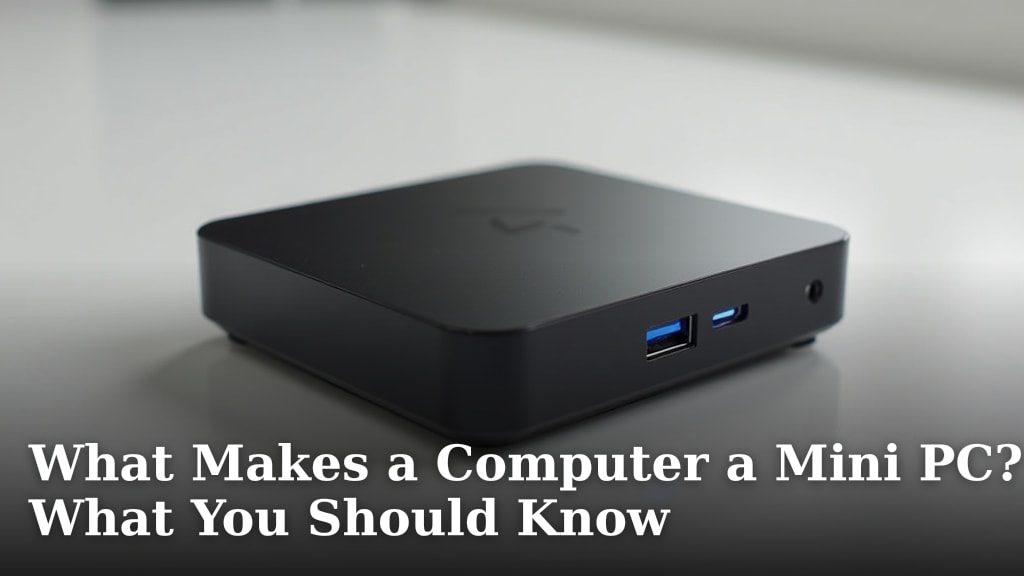
A mini PC is simply a fully functional computer that is designed to be much smaller than a traditional desktop tower. You can often hold one in the palm of your hand. Its core purpose is to provide standard computing power while saving a significant amount of physical space.
Think of it as a complete computer, not a piece of a puzzle. It doesn’t need to connect to a large box to work. You plug it into a monitor, keyboard, and mouse, and it’s ready to go, just like any other computer.
Mini PC vs. Desktop and Laptop: Key Differences
Understanding what a mini PC is becomes clearer when you compare it to the devices you already know. Here’s a simple breakdown of the main distinctions.
| Feature | Mini PC | Traditional Desktop | Laptop |
|---|---|---|---|
| Size | Very small (can be palm-sized) | Large tower case | Foldable clamshell design |
| Portability | High (move easily between rooms) | Low (stay at one desk) | High (move with you anywhere) |
| Upgradeability | Limited (some models allow RAM/SSD changes) | Excellent (swap nearly any part) | Limited (RAM/SSD only, sometimes soldered) |
| Typical Power Use | Very low | High | Moderate (limited by battery) |
| Use Case | Space-saving, light tasks, media center | Gaming, heavy workloads, DIY builds | Mobile work, travel, student use |
We found that the main trade-off is often between size and upgrade potential. A mini PC wins on space and efficiency, but a full-sized desktop usually wins if you want to swap out powerful components later.
So, How is it Different from a Tiny Desktop or a Stick PC?
You might see other small computers like “stick PCs” or ultra-compact desktops. A stick PC is even smaller, often just a large USB stick that plugs into a monitor’s HDMI port. They usually have less power than a mini PC.
A true mini PC, however, is a dedicated box. It typically has its own ports and a bit more room for cooling and slightly better performance than a stick. Think of a mini PC as a small but serious computer, while a stick PC is more like a basic media player.
What’s Inside a Mini PC? The Core Components
Despite their tiny size, mini PCs pack all the essential parts you need for a working computer. The magic is in how these components are miniaturized.
The “Brain” and Supporting Parts
Inside that small case, you’ll find the same fundamental pieces as in a big computer.
- Processor (CPU): The central brain. Mini PCs often use efficient, low-power CPUs designed for laptops.
- Memory (RAM): The short-term workspace. This is crucial for smooth multitasking.
- Storage: This is almost always a solid-state drive (SSD) with no moving parts. SSDs are fast, durable, and small—perfect for mini PCs.
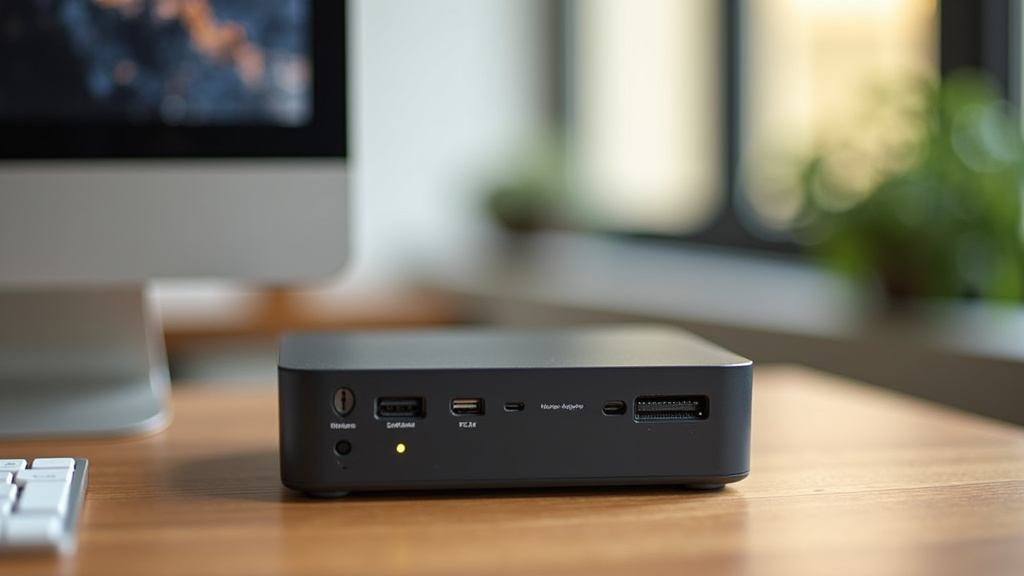
- Connectivity: Built-in Wi-Fi and Bluetooth are standard. You’ll also find multiple USB ports and video outputs like HDMI.
Where Did the Fans and Ports Go?
Manufacturers get clever with cooling. Many mini PCs use very small fans or even fanless designs where the metal case itself helps dissipate heat. This keeps them quiet. Ports are placed on all sides of the small box to keep things accessible.
Common Uses for a Mini PC
You might wonder, “What would I actually use a computer this small for?” They are surprisingly versatile. We’ve seen them excel in several specific roles.
Home Entertainment and Media Centers
This is a very popular use. You can connect a mini PC to your TV to stream movies, play music, or browse the web from your couch. Its small size lets it hide easily behind a television or on a media shelf.
Productivity and Home Office Work
For tasks like web browsing, email, word processing, and video calls, a mini PC provides more than enough power. It takes up minimal desk space, leaving you more room to work. Many small businesses and schools use them for this reason.
Digital Signage and Kiosks
Have you seen those interactive displays in stores or museums? A mini PC is often the hidden device powering them. Their reliability and small size make them perfect for running information screens or self-service kiosks.
Performance and Power: What to Expect
A mini PC won’t match a high-end gaming desktop. However, you should not expect it to perform like one either. Their strength lies in efficiency and meeting everyday needs well.
Processor Choices and Efficiency
You will find a range of processors in mini PCs, from Intel’s low-power Celeron or Atom chips for basic tasks to more powerful Intel Core i-series or AMD Ryzen chips that can handle more demanding applications. The key is that they are optimized to use less power and generate less heat.
RAM and Storage for Everyday Speed
For a smooth experience in daily tasks, experts often recommend at least 8GB of RAM (National Institute of Standards and Technology guidelines for general computing). An SSD of 256GB or larger is a good starting point. This combination ensures your programs open quickly and your system feels responsive.
The Advantages of Choosing a Mini PC
Why would you pick a mini PC over other options? The benefits are clear and practical.
- Space Saving: This is the biggest advantage. Free up your desk, or mount it behind a monitor to create an all-in-one style setup.
- Energy Efficiency: They consume far less electricity than a traditional desktop, which can save you a little money on your power bill over time.
- Quiet Operation: With efficient components and clever cooling, many mini PCs run very quietly, sometimes silently.
- Portability: Moving your computer from the living room to a home office is as easy as picking it up.
The Potential Downsides to Consider
Every device has trade-offs. It’s important to know what a mini PC might not do well.
- Limited Upgrade Path: You can usually add more RAM or a bigger SSD, but you cannot swap out the processor or graphics card later. What you buy is what you get.
- Graphics Performance: While some models have better graphics than others, most are not suitable for high-end gaming or professional video editing. They rely on integrated graphics.
- Thermal Limits: In a tiny case, there’s less room for cooling. This means the most powerful (and hot) components are not an option.
Checklist: Is a Mini PC Right for You?
Ask yourself these questions to see if a mini PC fits your needs.
- Do you need to save desk space or want a computer that can move between rooms easily?
- Are your main tasks web browsing, office work, streaming media, or running basic software?
- Is low noise and energy efficiency important for your setup?
- Are you comfortable with limited options for future hardware upgrades?
- Do you have a specific use in mind, like a home theater PC or a compact workstation?
If you answered “yes” to most of these, a mini PC could be an excellent and practical choice for you.
Conclusion
A mini PC isn’t a compromise; it’s a specialized computer designed for a different set of strengths. It’s the perfect fit when your priority is saving space, enjoying quiet operation, or having a machine you can easily move between rooms. You’re choosing dedicated, efficient performance for everyday tasks and media, rather than raw, upgradeable power. The best next step is to match a mini PC’s benefits to your specific needs. Use our checklist to confirm your priorities, or consider starting with a mini PC for a secondary role like a home theater, and see how its practicality fits your daily routine.
Frequently Asked Questions
Can a mini PC be used for gaming?
Most mini PCs are not designed for modern PC gaming. They use integrated graphics, which lack the power for demanding games. However, they can handle older titles, game streaming from another device, or basic gaming from app stores. For serious gaming, you would still need a traditional desktop or a dedicated gaming laptop.
How is a mini PC different from a laptop?
The core difference is the screen. A laptop has a built-in display, keyboard, and trackpad, while a mini PC is just the box containing the computer parts. You must connect your own monitor and peripherals to a mini PC. This makes a laptop the better choice if you need an all-in-one, portable workstation.
Are mini PCs good for home offices?
Yes, they are excellent for many home office setups. They handle common tasks like web browsing, email, word processing, and video calls with ease. Their small size frees up desk space, and they often run very quietly, which is a big plus during focused work or calls.
Can I upgrade a mini PC later?
Upgrades are very limited. On many models, you can often replace or add more RAM and storage (the SSD). However, you cannot change the processor or the graphics chip, as these are soldered to the main board. You should consider the mini PC’s specs final when you purchase it.
Do I need a special monitor for a mini PC?
No, you do not need a special monitor. A mini PC works with any standard monitor that has an available input, typically HDMI or DisplayPort. You can even connect it to most modern TVs. It is a versatile computer that uses the same display connections as a regular desktop or laptop.